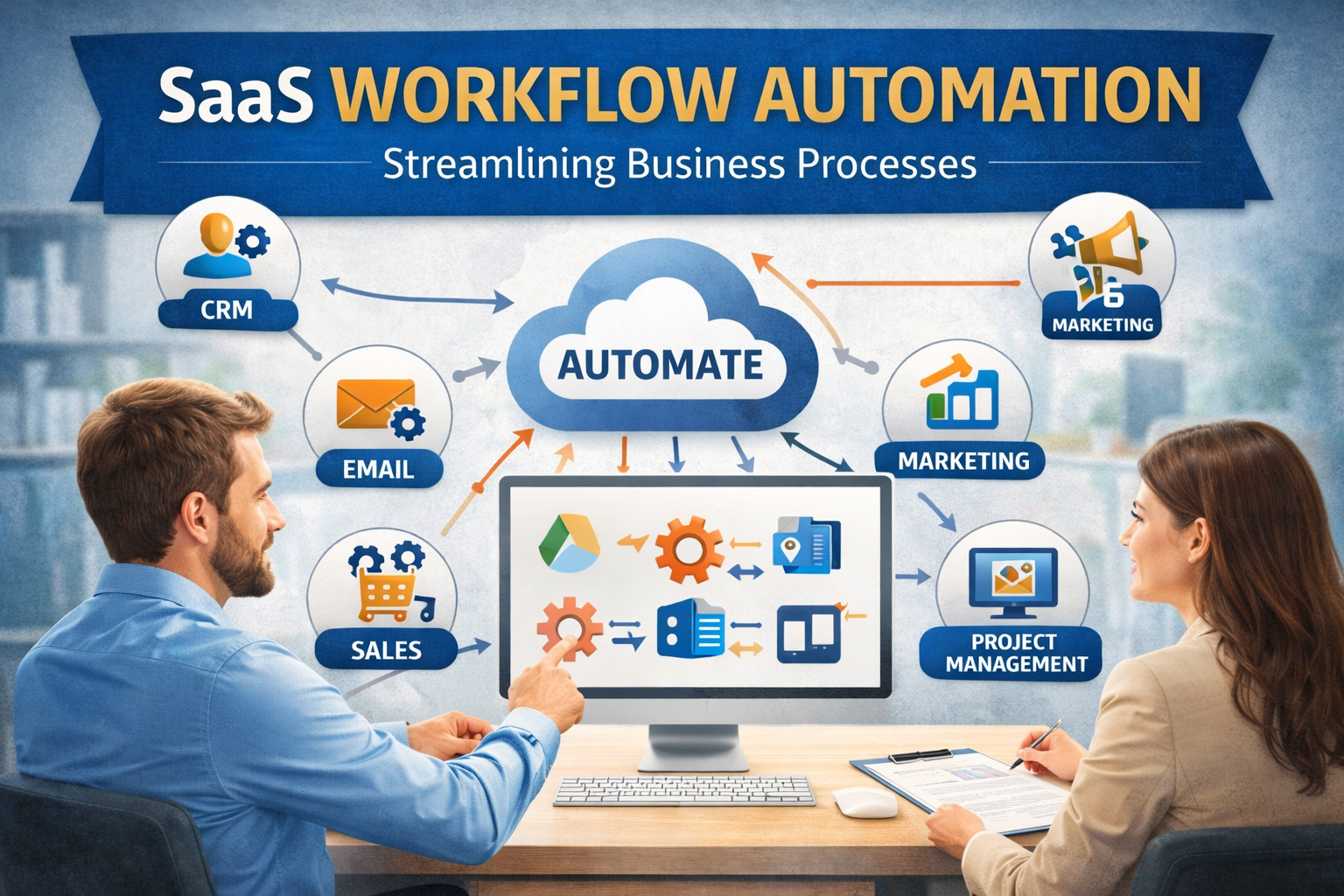
Companies need efficient systems to manage tasks and reduce errors. One way to achieve this is to automate business workflows. By automating repetitive tasks and approvals, businesses can save time, improve accuracy, and increase productivity. SaaS workflow automation tools make this process simple because they are cloud-based, easy to use, and scalable for any organization. In this article, we will discuss what workflow automation is, how SaaS platforms help, and provide step-by-step guidance on automating business workflows effectively.
Business workflows are a series of tasks and processes that help an organization function smoothly. These can include employee onboarding, invoice approvals, purchase requests, leave management, and customer service processes. When done manually, these workflows can be slow, prone to mistakes, and difficult to track. Companies that rely heavily on emails, spreadsheets, and paper forms often face delays and errors.
SaaS workflow automation tools provide a solution by digitizing these processes. These tools allow organizations to automate routine tasks, route approvals automatically, track progress in real time, and generate reports for decision-making. Automation not only saves time but also ensures that every step follows a consistent and accurate process.
1. Understanding SaaS Workflow Automation
SaaS workflow automation is a cloud-based approach to streamlining business processes. Unlike traditional software, it does not require installation or complex setups. Users can access it from any device with an internet connection. Key benefits include:
- Accessibility: Workflows can be managed from desktops, tablets, or mobile devices.
- Scalability: Organizations can add or modify workflows as business needs change.
- Cost-Effectiveness: Cloud solutions reduce the need for expensive servers and maintenance.
- Ease of Use: Most SaaS platforms offer drag-and-drop workflow builders that do not require coding skills.
By using SaaS workflow automation, companies can manage multiple workflows simultaneously and monitor them in real time. This leads to faster approvals, fewer errors, and better visibility across departments.
2. Steps to Automate Business Workflows
Step 1: Identify Repetitive Processes
The first step in workflow automation is identifying tasks that are repetitive, time-consuming, and prone to errors. Common examples include:
- Leave and attendance approvals
- Purchase order approvals
- Employee onboarding
- Customer service ticketing
- Expense reimbursements
Focusing on high-volume tasks ensures the greatest return on automation investment.
Step 2: Map the Workflow
Once you have identified processes to automate, map the workflow in detail. This includes all steps, decision points, approvals, and responsible individuals. Mapping the process helps visualize the flow and ensures that no critical step is overlooked.
Step 3: Choose the Right SaaS Automation Tool
Select a reliable SaaS workflow automation platform that meets your business needs. Look for features such as:
- Drag-and-drop workflow builder
- Automated notifications and reminders
- Real-time tracking dashboards
- Reporting and analytics
- Integration capabilities with other software
A cloud-based solution allows multiple teams to access workflows without installation or IT support.
Step 4: Design and Automate the Workflow
Using the selected SaaS platform, design the workflow according to the mapped process. Add forms, decision points, and automated routing for approvals. Assign responsible users for each task and set up notifications to ensure tasks move forward without delays.
Step 5: Test the Workflow
Before fully deploying the automated workflow, run tests to ensure it works as expected. Check for errors, missing steps, or delays. Make adjustments as necessary to ensure smooth operation.
Step 6: Monitor and Improve
After deployment, monitor workflow performance using the platform’s reporting tools. Track metrics like task completion times, bottlenecks, and pending approvals. Use these insights to continuously improve the process and ensure efficiency.
3. Benefits of Automating Business Workflows
Automating workflows provides multiple advantages for organizations:
- Time Savings: Routine tasks are completed automatically, freeing up employee time for higher-value work.
- Reduced Errors: Automation ensures consistency and minimizes human errors.
- Improved Transparency: Real-time tracking provides visibility into the status of tasks and approvals.
- Faster Decision Making: Managers can make informed decisions quickly using accurate workflow data.
- Better Compliance: Automated workflows maintain audit trails, making it easier to meet regulatory requirements.
- Enhanced Collaboration: Teams work together efficiently when workflows are centralized and accessible.
By implementing automation, businesses can improve operational efficiency and create a more productive workplace.
4. Real-World Applications
SaaS workflow automation can be applied across various departments:
- Human Resources: Automating leave requests, payroll approvals, and onboarding processes.
- Finance: Streamlining invoice approvals, expense reimbursements, and budget tracking.
- Operations: Managing purchase requests, project approvals, and quality checks.
- Customer Service: Routing tickets automatically, prioritizing urgent requests, and tracking resolutions.
These examples show how workflow automation helps different teams reduce manual work and focus on strategic tasks.
Conclusion
Automating business workflows is essential for modern organizations seeking efficiency, accuracy, and faster decision-making. By leveraging SaaS workflow automation tools, companies can automate repetitive processes, streamline approvals, and monitor progress in real time. This reduces errors, saves time, improves transparency, and boosts overall productivity.
From HR and finance to operations and customer service, workflow automation transforms how teams work, allowing them to focus on strategic priorities. Platforms like Cflow make it easy to design, implement, and manage automated workflows without coding knowledge.
For any organization looking to improve efficiency, enhance collaboration, and reduce operational risks, adopting SaaS workflow automation is a smart and necessary step toward digital business transformation.
