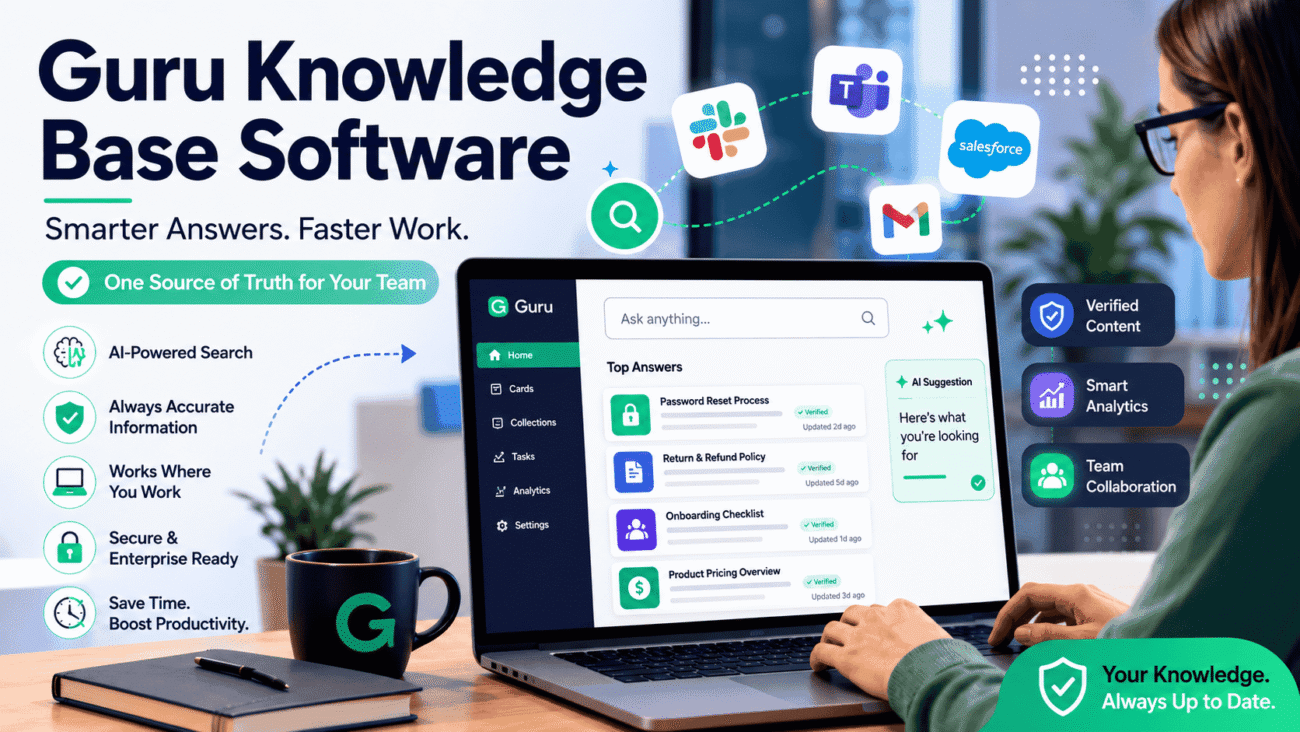
Okay, be honest. How many times have you dug through Slack threads, old Google Docs, and some half-abandoned wiki page just to find one answer? And then, when you finally find it, it’s out of date anyway. Annoying, right? That’s basically the exact problem Guru knowledge base software is trying to fix.
Teams today aren’t short on information. They’re short on findable information. There’s a difference. So let’s actually dig into what Guru is, how it works, what it costs, and whether it’s worth your time.
So What Is Guru, Really?
In plain terms, Guru is a knowledge management platform. It pulls together all the scattered stuff, policies, FAQs, SOPs, product info, into one place that’s actually searchable. But here’s the part that makes it different from your average company wiki: it doesn’t just sit there waiting for someone to go browse it. It shows up where people are already working, inside Slack, inside your CRM, wherever.
The core building block in guru knowledge base software is called a “card.” Not a whole document, just a small, focused chunk of info, could be text, an image, a short video, whatever fits. Bite-sized stuff, basically, instead of a ten-page PDF nobody wants to open.
How Does It Actually Work, Step by Step?
I think it helps to break this down simply, because “AI knowledge platform” can sound vague until you see it in practice.
- Someone creates a card. Could be a policy, a how-to, an FAQ answer, anything.
- An expert verifies it. Guru pings subject matter experts now and then to confirm the info is still accurate. This part matters more than people realize.
- Search understands meaning, not just words. So if you type “reset password” but the actual card is titled “account access recovery,” guru knowledge base software can still find it. It’s reading intent, not just matching text.
- It shows up inside your other tools. Through a browser extension, answers appear right inside Salesforce, Zendesk, Gmail, whatever you’re already using. No extra tab-switching.
- Permissions are enforced automatically. If something’s restricted to Finance or Legal, people outside that group simply won’t see it pop up, even in search.
Put all that together and you get something that’s less “static wiki” and more “knowledge that follows you around your workday.”
Features Worth Knowing About
Let’s go through the main stuff, without turning this into a spec sheet.
AI Search That Actually Gets Context
This is probably the headline feature. It’s not keyword matching like the search bar from 2010. Guru tries to understand what you’re actually asking, and it gets better over time too, the more people use it and confirm answers, the smarter the suggestions get guru knowledge base software.
Verification Reminders
Honestly, this might be the most underrated feature. Subject matter experts get nudged to re-check their content periodically. Stale info is the silent killer of most knowledge bases, and this is Guru’s answer to it.
Browser Extension + App Integrations
Guru runs as a browser extension that pops up relevant content based on whatever page you’re on. And it plugs into Slack and Microsoft Teams too, so people can just ask a question in chat and get pulled directly from the knowledge base instead of waiting on a coworker to reply.
Security Stuff (Important for Bigger Teams)
Role-based permissions, single sign-on, encryption, the usual enterprise checklist. If you’re in a regulated industry, this matters quite a bit.
Analytics for Admins
You get to see what content people actually use, what’s ignored, and what’s missing entirely. Useful for figuring out where to focus your documentation effort instead of guessing.
Collaboration Built In
People can comment on cards, suggest edits, flag something as outdated. It keeps knowledge somewhat alive instead of frozen the moment it’s published guru knowledge base software.
AI Writing Help
There’s also a built-in assistant that can tighten up jargon-heavy writing or shorten long cards. And a feature called Guru GPT lets you search across connected apps and docs in a more conversational way, kind of like chatting with your own company’s brain.
Getting Started: A Simple Walkthrough
If you’re actually thinking about rolling this out, here’s roughly how I’d approach it:
- Start with the trial, not the annual plan. Test with real content and real people first. Don’t just sign up blind.
- Pick someone to own the content. Seriously, this step gets skipped a lot, and it’s the reason knowledge bases die quietly six months later.
- Bring in your existing docs. Old SOPs, scattered FAQs, whatever’s floating around, import it.
- Hook up your tools. Slack, Teams, your CRM, the browser extension, whatever your team lives in daily.
- Turn on verification reminders right away. Don’t wait until things go stale to think about this.
- Check the analytics monthly. See what’s being searched, what’s missing, what nobody’s touching.
- Roll it out slowly. Maybe start with support or onboarding first, then expand once it’s working.
Nothing fancy here, just discipline really. The tool only works if someone treats it like an ongoing project, not a one-time upload.
Who Should Actually Use This?
Not every team needs this, and that’s fine to admit. Guru tends to make sense if:
- You’ve got somewhere between 10 and 500+ employees and info is scattered everywhere
- You want one clear source of truth instead of five different versions of “the answer”
- Onboarding new hires currently takes forever because nothing’s centralized
- Your support or sales reps need accurate info mid-conversation, not five minutes later
- You’re in a regulated space and need proper access controls
It’s probably not the right fit if:
- You’re a tiny team on a shoestring budget
- You need a public, customer-facing help center (Guru’s really built for internal use)
- You just want something loose and flexible rather than a structured knowledge system
Let’s Talk Pricing
Guru runs on a per-seat model. Plans start around $25 per seat per month if you pay annually, and that gets you AI search, knowledge agents, chat, and research with some usage limits attached. Bigger teams needing custom governance or security usually end up talking to sales for enterprise pricing.
There’s technically a free option too, but don’t get too excited, it only stays free while you’re under three users. Most teams outgrow that within a week or two of actually using it.
How Does Guru Stack Up Against Other Tools?
People usually compare it to Confluence and Notion, so here’s a quick side-by-side:
| Feature | Guru | Confluence | Notion |
|---|---|---|---|
| Best for | In-workflow knowledge for mid-size to enterprise teams | Engineering docs, deep Jira ties | Flexible, all-purpose workspace |
| Search style | AI-powered, understands context | Mostly keyword-based | Keyword search, less AI-driven |
| Structure | Small, focused cards | Deep nested page hierarchies | Flexible blocks and pages |
| Verification | Built-in, automated reminders | Not really a core feature | Not really a core feature |
| Starting price | ~$25/seat/month (annual) | Generally cheaper entry point | Free tier, scales from there |
| Best team size | 10–500+ users | Engineering-heavy orgs | Small to mid-size, flexible needs |
None of these is objectively “the best,” to be clear. It really depends what you’re optimizing for. Guru leans hard into accuracy and in-workflow delivery. Confluence leans into deep documentation structure. Notion leans into flexibility guru knowledge base software.
The Honest Pros and Cons
What people like:
- Pretty easy to pick up, even for non-technical folks
- AI search genuinely saves time hunting for stuff
- Verification system keeps things from going stale
- Integrations cut down on tab-switching, which adds up over a workday
What people don’t love:
- Per-user pricing adds up fast once your team grows
- Takes a bit to fully onboard, especially with the card-based system
- In bigger knowledge bases, search can sometimes return too many similar results, or miss things, if tagging isn’t tight
- It’s mostly built for documented, explicit knowledge, not the unwritten “ask Dave” kind of expertise
Quick FAQs
What’s Guru actually used for?
Centralizing company info, policies, SOPs, FAQs, basically, and delivering it inside the tools your team already uses daily.
Can a small team use it?
Technically yes, but the free tier caps out at three users, so most teams move to paid pretty quickly.
Does it work for customer support portals?
Not really, no. It’s built mainly for internal teams, not public-facing help centers.
What makes its search different?
It understands meaning, not just exact words, so it can find answers even when your search terms don’t match the title exactly guru knowledge base software.
How does it stay accurate over time?
Subject matter experts get reminded to review and confirm their content regularly, instead of it just sitting there aging quietly.
What tools does it connect with?
Slack, Microsoft Teams, Salesforce, Zendesk, Gmail, plus various CRMs and help desk tools through the browser extension.
Is it actually worth paying for?
If your team’s losing real time to outdated or scattered info, probably yes. If you’re tiny and just getting started, you might be fine with something lighter guru knowledge base software for now.
Wrapping Up
At the end of the day, Guru isn’t trying to be everything. It’s trying to solve one specific, very common problem, people not being able to find accurate answers fast enough. The card system, the verification reminders, the way it just shows up inside Slack or your browser instead of making you go somewhere else, all of that adds up to something that genuinely saves time once it’s set up properly. It’s not cheap for small teams, and it’s not meant for public help centers, but if you’re a growing company drowning in scattered docs and repeated questions, it’s worth running a real trial before deciding either way.
