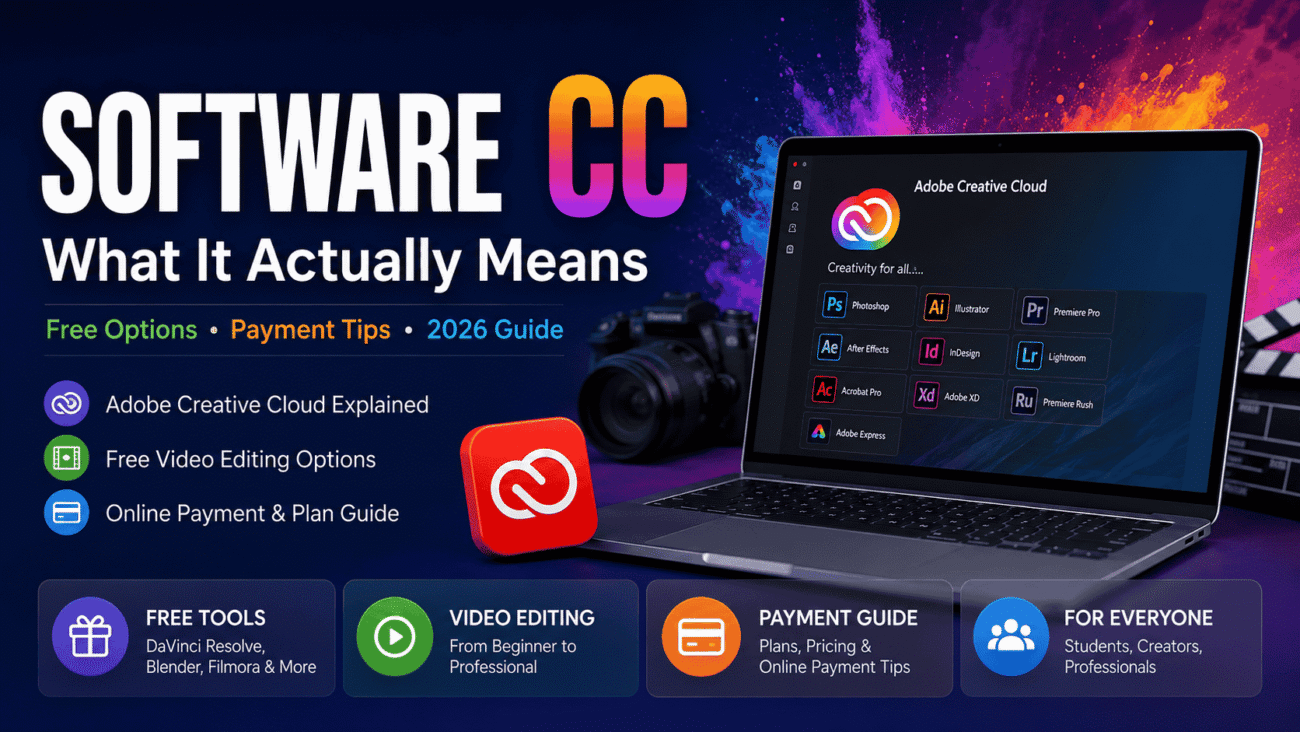
So you typed “software cc” into Google and landed here. Fair enough, it’s a confusing term if nobody’s ever explained it to you. Is it a brand? A file type? Some kind of code? Nope, nothing that dramatic. Let’s just clear this up properly, and also cover the stuff people actually want to know, like free video editing options and how payment works.
Okay, So What Does “CC” Even Stand For?
CC stands for Creative Cloud. It’s Adobe’s name for their whole subscription-based software lineup. Back before 2013, you’d just buy Photoshop once, install it, and that was that. You owned it, forever, no monthly bill. Adobe doesn’t really do that anymore though. Now almost everything they make sits under this one umbrella called Creative Cloud, and you pay monthly or yearly to use it.
So when someone searches “software cc,” they’re usually after one of these:
- The whole Adobe Creative Cloud bundle
- One specific app, like Photoshop CC or Premiere Pro software cc
- The desktop app that manages and installs all the other Adobe programs
Basically, it’s Adobe’s entire creative toolbox, photo editing, video editing, design work, PDFs, all bundled into one membership instead of separate purchases.
What’s Actually Inside Adobe Software CC?
It’s not just one program, which honestly trips people up at first. Creative Cloud includes over 20 apps, plus shared stuff like fonts and cloud storage that all sync together. Some of the big names you’ll recognize:
- Photoshop – photo editing, the classic one everyone’s heard of
- Illustrator – for logos and vector-style graphics
- Premiere Pro – the professional video editing tool
- After Effects – motion graphics, visual effects, that kind of thing
- InDesign – page layouts, print and digital
- Lightroom – photo organizing and editing, photographers love this one
- Acrobat Pro – PDF editing and creation
- Adobe Express – quicker, template-based stuff for social posts and marketing
There’s also Creative Cloud Libraries built in, which is honestly a nice touch. It syncs your colors, fonts, and graphics across all the apps, so things stay consistent whether you’re in Photoshop or Illustrator. Saves a lot of copy-pasting headaches.
Free Video Editing Software CC Relevant Options (Yes, They Exist)
Now here’s the part people actually care about. Premiere Pro costs money, no way around that. But there are a few real ways to edit video without paying upfront software cc.
1. Adobe’s Free Trial
Adobe usually gives you a short trial window for apps like Premiere Pro. It’s the closest official thing to free video editing inside the CC ecosystem. Use it to test before you commit, that’s literally what it’s there for.
2. Adobe Express, Free Version
There’s a free tier of Adobe Express. Basic templates, simple editing, limited storage. It’s not Premiere Pro, not even close in terms of power, but for a quick Instagram clip or something simple, it gets the job done without spending a cent.
3. Tools Outside the Adobe World Entirely
If you want something genuinely free, no Adobe account, no trial expiring on you, here’s what people usually land on:
- DaVinci Resolve – surprisingly powerful, professional-grade, totally free (paid Studio version exists but isn’t required)
- Blender – mostly a 3D tool, but it’s got a solid video editing module tucked in there too
- Filmora – easier to pick up, free plan available, though it slaps a watermark on your exports
None of these fully replace what Adobe offers across its whole suite, but if video editing is literally all you need, honestly, try these first before paying anything.
Quick Comparison: Premiere Pro vs the Free Stuff
| Feature | Premiere Pro (CC) | DaVinci Resolve (Free) | Adobe Express (Free) |
|---|---|---|---|
| Cost | Subscription | Free, paid Studio optional | Free, with upsells |
| Skill level needed | Pro / intermediate | Pro / intermediate | Beginner |
| Good for | Full production work | Color grading, serious edits | Quick social clips |
| Works offline | Yes | Yes | Mostly browser-based |
| Cloud syncing | Tight Adobe integration | Barely any | Basic Adobe cloud |
So really it comes down to this: need serious, professional output? Premiere Pro’s still the standard most studios expect. Just messing around or doing something small? The free tools handle it fine, no shame in that at all.
How Software CC Payment Online Actually Works
Alright, say you’ve decided Creative Cloud is worth paying for. Here’s roughly how it goes:
- Head to Adobe’s official site. Seriously, only subscribe through Adobe directly. There are sketchy third-party “discount” sites out there, not worth the risk.
- Pick your plan. Single app, Photography Plan, Standard, or Pro, Adobe’s got a handful of options depending on what you need.
- Choose monthly or annual billing. Most plans say “annual, billed monthly,” meaning you’re locked in for a year but paying smaller chunks each month. True month-to-month, no commitment, costs noticeably more.
- Put in your payment info. Credit or debit cards work fine, and PayPal too in a lot of regions.
- Confirm and you’re in. Once it processes, you download the Creative Cloud desktop app and install whatever you signed up for.
- Note your renewal date. I’d genuinely set a reminder for this. Subscriptions auto-renew, and getting hit with an unexpected charge is never fun.
One thing worth knowing, there’s usually a short refund window, something like 14 days, right after you buy. After that window closes though, cancelling early on an annual plan can come with a fee. So don’t rush the decision.
What Does It Actually Cost in 2026?
Prices shift around with promos and your location, but here’s roughly where things stand for individual plans in the US right now:
| Plan | Roughly | Best For |
|---|---|---|
| Adobe Express Premium | $9.99/month | Social content, small business marketing |
| Photography Plan (Photoshop + Lightroom, 1TB) | $19.99/month | Photographers, photo editors |
| Single App (like just Premiere Pro) | $22.99/month | People who only need one specific tool |
| Creative Cloud Standard | $54.99/month | Pros who need the core app lineup |
| Creative Cloud Pro | $69.99/month | Pros who want the full suite plus the heavier AI features |
Students and teachers usually get a discount too, often starting near $19.99/month for the first year before jumping up to regular pricing afterward. Worth checking if you qualify, that first-year savings adds up.
A Few Things to Watch Before You Hand Over Your Card
Before you click “subscribe,” a few honest heads-ups:
- “Monthly” plans are usually still a yearly commitment behind the scenes. Read the fine print on this one.
- Cancelling early on annual plans can cost you. Often a percentage of whatever months are left.
- Everything auto-renews. Unless you manually cancel before the renewal date, it just keeps billing.
- Promo pricing often only lasts one year. Then it jumps to the regular rate, sometimes a pretty big jump too.
- Prices vary by country. Don’t assume the number you saw on a forum applies to you, always check what shows up at your actual checkout.
None of this is meant to scare you off, just stuff that’s genuinely easy to miss if you’re rushing through signup.
Honestly, Is It Worth Paying For?
Depends entirely on what you’re doing with it.
Probably worth it if:
- You’re doing design, photography, or video work professionally
- You need several Adobe apps working together smoothly
- You’re collaborating with others who expect Adobe file formats, like .psd or .ai
Maybe skip it if:
- You only need to edit something occasionally, nothing serious
- You’re still a hobbyist figuring out if you even enjoy this stuff
- A free tool already does exactly what you need, simple trims, basic templates, that sort of thing
A lot of people honestly land somewhere in the middle, using free tools for the casual stuff and only paying for Adobe when there’s actual paid work on the line. That’s a pretty reasonable approach if you ask me.
FAQs
What does CC stand for in Adobe’s software?
Creative Cloud. It’s Adobe’s subscription platform covering apps like Photoshop, Illustrator, and Premiere Pro.
Is there a completely free version of Premiere Pro?
Not a permanent free version, no. But there’s a free trial, plus Adobe Express has a limited free tier for simpler editing needs.
Can I pay online with just a debit card?
Yep, Adobe takes major debit and credit cards, and PayPal works in plenty of regions too.
What’s the real difference between Standard and Pro plans?
Standard gives you the core desktop apps. Pro adds full mobile and web access plus a lot more AI generative credits.
Will I get charged automatically every month?
Yes, pretty much always, unless you cancel manually before your renewal date hits.
Any solid free alternatives to the whole Adobe suite?
DaVinci Resolve, Blender, and Filmora are the usual go-tos people mention, all genuinely free to start.
Do students get a discount?
Usually yes, though it tends to only apply for the first year before switching back to standard pricing.
Wrapping This Up
At the end of the day, “software cc” almost always just means Adobe Creative Cloud, the subscription behind tools like Photoshop, Premiere Pro, and Illustrator. Whether you’re hunting for free video editing options, trying to understand what’s actually bundled into the Adobe suite, or just figuring out the payment side of things, the real trick is matching the plan to what you actually need, not what sounds impressive. If you’re just starting out, give something like DaVinci Resolve or the free Adobe Express tier a shot first. And if you do end up subscribing, just take five minutes to actually read the billing terms. Future you will be glad you did.
