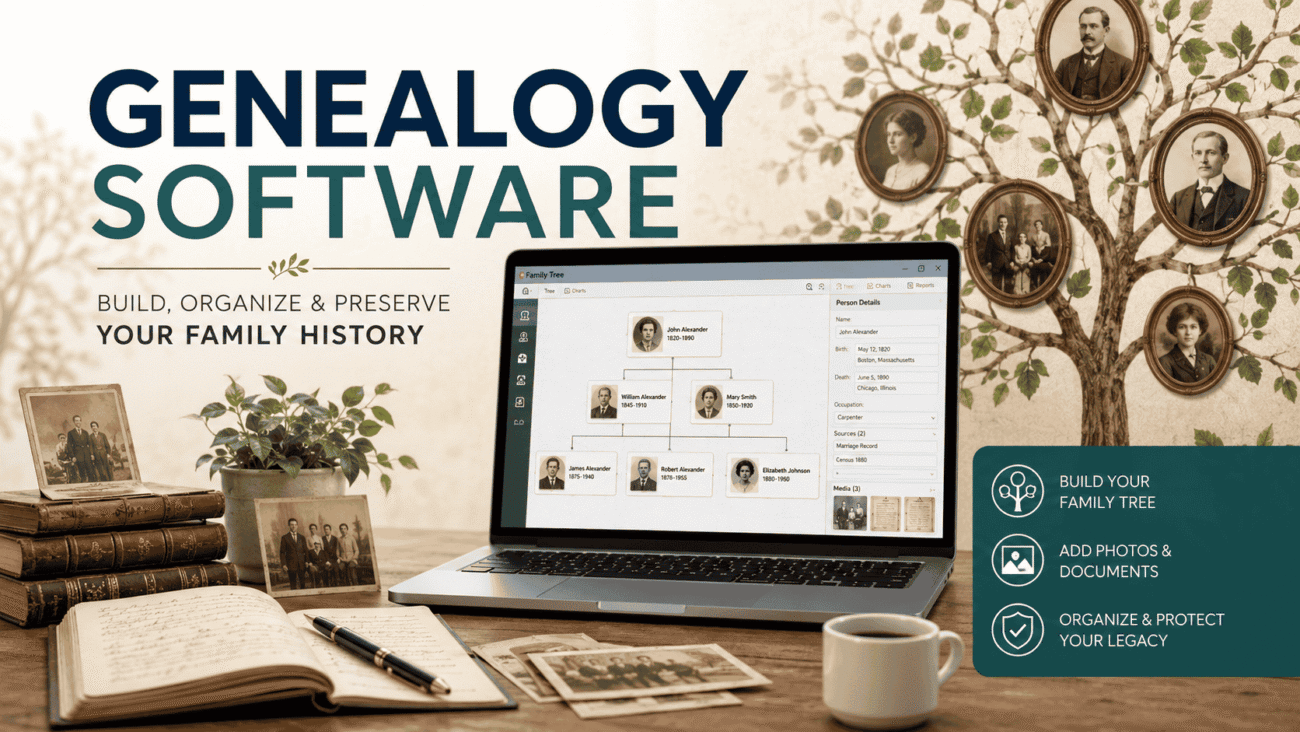
Used to be, if you wanted to trace your family history, you were stuck spending years digging through dusty archives and weird climate-controlled record rooms. Not exactly a weekend hobby. These days though, genealogy software does most of the heavy lifting for you, right from your laptop or even your phone. Let’s actually walk through what this stuff does, what’s worth using, and how to pick something that won’t drive you crazy six months in.
So, What Even Is Genealogy Software?
Basically, it’s a program built to help you organize your family history in one spot instead of scattered across sticky notes, random folders, and that one shoebox of old photos nobody’s labeled. It gives you a structured way to track relatives, dates, places, and how everyone’s connected.
Most genealogy software does more than just draw a tree though. You can usually:
- Log birth dates, locations, and relationships for each person
- Track your sources and link them straight to the people they belong to
- Keep separate databases if you’re tracing multiple family lines
- Print charts, or share your tree electronically with relatives
- Attach photos, audio clips, video, or scanned documents to specific ancestors
- Back everything up automatically, which honestly matters more than people realize
- Export your data (usually as a GEDCOM file) so you’re not stuck in one program forever
So really, it’s part organizer, part digital archive, part research buddy.
How This Actually Works, Step by Step
If you’ve never used genealogy software before, here’s roughly how it goes in practice.
- Start with what you already know. Yourself, parents, grandparents, whoever you’ve got solid info on.
- Fill in details over time. Dates, marriages, jobs, locations, whatever you can find.
- Attach sources as you go. Found a document or an old letter? Link it to that person, it keeps your research honest and verifiable later.
- Add photos and media. Scanned documents, old pictures, even audio if you’ve got it, most programs let you attach these directly.
- Use hints if the software offers them. Some tools connect to online databases and suggest record matches automatically, which saves a ton of manual searching.
- Build charts and reports. Once you’ve got enough data, most software spits out printable charts or family group sheets.
- Back up regularly, and export sometimes too. Don’t lock all your years of work into one single program with no way out.
What’s Actually the Best Genealogy Software Right Now?
Honestly, there’s no single answer here, it really depends on your computer, your budget, and whether you want deep research tools or just a simple tree. But a few names keep coming up again and again:
- RootsMagic – solid, well-rounded, reasonably priced, and there’s a free “Essentials” version to try before buying
- Legacy Family Tree – great for charts and reports, and it’s now completely free since MyHeritage picked it up
- Family Tree Maker (FTM) – good for beginners, plays nicely with Ancestry and FamilySearch for web research
- Reunion – Mac-only, but genuinely well loved for its native design and how it handles photos and media
- Gramps – totally free, open-source, great if you want full control of your own data
- Family Historian – less mainstream, but has nice interactive timelines and plugin support
Each one leans a different direction, so “best” really comes down to what matters most to you.
Let’s Talk About Reunion Genealogy Software Specifically
Reunion gets its own little section here because it’s kind of a different beast. Made by Leister Productions, it’s built only for Mac, no Windows version, and it’s earned a pretty loyal fanbase because of that native macOS feel.
What people tend to like about it:
- Built specifically for Mac, not some clunky port from Windows, so it just feels smoother
- Really strong multimedia handling – photos and documents slot right into your tree without much fuss
- Customizable charts that actually look good, not just functional
- One-time purchase, no monthly subscription nagging you
But it’s not perfect, fair warning. Mac-only means Windows users are out of luck entirely. There’s also no mobile app, which is kind of a bummer if you want to add info while you’re out visiting relatives. And syncing Reunion directly with Ancestry or MyHeritage isn’t really straightforward either, from what longtime users say, you usually need some kind of middle-step program, or you’re just typing things in manually.
Genealogy Software Reviews: A Quick Side-by-Side
Reading review after review gets exhausting fast, so here’s the short version laid out in a table:
| Software | Platform | Pricing | Best For |
|---|---|---|---|
| RootsMagic | Windows, Mac | One-time, free Essentials version | Budget users wanting solid all-around tools |
| Legacy Family Tree | Windows | Free | Anyone wanting strong charts without spending |
| Family Tree Maker | Windows, Mac | One-time purchase | Beginners, especially Ancestry/FamilySearch users |
| Reunion | Mac only | One-time purchase | Mac users who care about multimedia and design |
| Gramps | Windows, Mac, Linux | Free, open-source | Tech-savvy folks wanting full data control |
| Family Historian | Windows | One-time purchase | People wanting timelines and plugin flexibility |
Not really about crowning a winner here. More just, find the row that fits your computer and your wallet.
Desktop Software vs Those Online Genealogy Sites
One thing worth thinking through early on: do you want a desktop program, or one of those subscription sites like Ancestry or MyHeritage?
Desktop software generally gives you:
- Full control, your data lives on your own computer, not someone else’s server
- A one-time cost instead of an endless monthly bill
- Better privacy, since nothing’s public unless you actually choose to share it
Online platforms generally give you:
- Massive record databases, sometimes billions of documents deep
- Automatic hints suggesting matches as you build your tree
- DNA testing tied in, which can connect you with actual living relatives
- Access from literally anywhere, since it’s all cloud-based
A lot of people end up using both, honestly. Desktop software as the “real” master copy of their research, and an online subscription mostly for digging up new records and DNA matches.
How to Actually Pick the Right One for You
Before you just grab whatever shows up first in a search, run through these questions:
- What computer are you on? Reunion’s Mac-only. RootsMagic and Gramps work pretty much everywhere.
- Pay once, or pay monthly forever? Desktop software’s usually a single purchase. Sites like Ancestry are ongoing subscriptions.
- Do charts and printing actually matter to you? If you’re planning a reunion gift or wall print, lean toward software known for strong reports.
- Will you want this on your phone too? Not every program has a mobile companion app, Reunion notably doesn’t.
- What happens if you switch programs later? Check that whatever you pick supports GEDCOM exports, so you’re not stuck forever.
FAQs
What’s genealogy software actually for?
Building and organizing your family tree, basically. Dates, relationships, sources, photos, documents, all kept in one place instead of scattered everywhere.
What’s good for someone just starting out?
RootsMagic and Family Tree Maker tend to get recommended most, mostly because they’re approachable and connect well with big record databases.
Is Reunion only on Mac?
Yep, Mac only. No Windows version, and no mobile app either, at least not currently.
Is there genuinely free genealogy software?
Yes, actually. Legacy Family Tree is completely free now, and Gramps is free and open-source if you want total control over your own data.
How’s genealogy software different from something like Ancestry?
Software usually lives on your computer and keeps data local. Sites like Ancestry are subscription-based, cloud-hosted, and packed with huge record databases plus DNA tools.
Can I move my tree to a different program later?
Mostly, yes. Most programs support GEDCOM exports, though you might need to clean things up a little after switching.
Do I need internet access to use this stuff?
Not always, no. Basic tree-building in something like Reunion or RootsMagic works fine offline. You’ll need a connection for research hints and online record searches though.
Wrapping Up
Picking genealogy software really just comes down to knowing what you actually need, your operating system, your budget, and whether you’re after deep research tools or just a clean, simple way to preserve your family’s story. RootsMagic and Family Tree Maker are solid, friendly starting points if you’re new to this. Reunion’s still a great pick if you’re on a Mac and care about how things look and feel. And if you’d rather not spend a dime, Legacy Family Tree and Gramps both prove that “free” doesn’t have to mean weak or limited. Whatever you end up choosing, the actual goal stays the same either way, keeping your family’s history organized, protected, and ready to pass down to whoever comes next.
