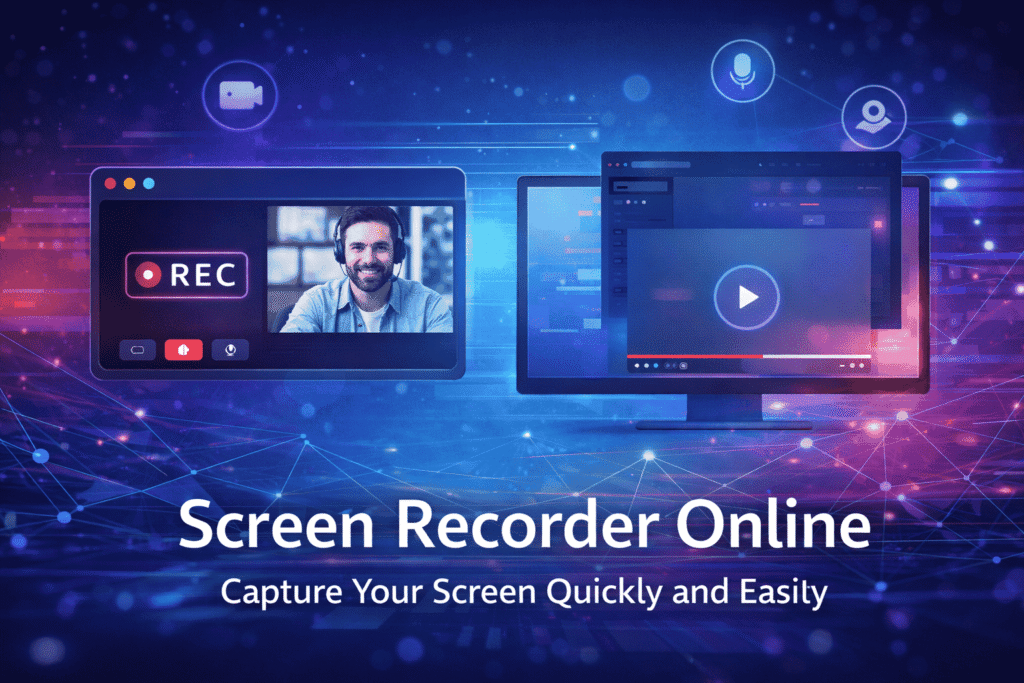
Looking for a Screen Recorder Online that works instantly without downloads? Online screen recording tools have become essential for anyone who needs to record tutorials, meetings, presentations, or gameplay without complicated setups. These tools run directly in your browser, making it fast and convenient to capture high-quality videos.
Whether you’re a student, teacher, freelancer, or business professional, using a browser-based recorder can save time and improve productivity. Here’s everything you need to know about online screen recorders.
What Is a Screen Recorder Online?
A screen recorder online is a web-based application that allows you to record your computer or device screen directly from your browser. Unlike traditional desktop software, you don’t need to download or install anything.
Most online recorders allow you to:
- Capture full screen, a window, or a browser tab
- Record microphone audio and system sounds
- Add webcam overlay for tutorials or presentations
- Save recordings locally or share via links
These features make online screen recorders a quick and convenient alternative for instant video creation.
Why Choose an Online Screen Recorder?
There are several reasons why users prefer online tools over traditional software:
- Instant access: Open a browser, start recording, and you’re done.
- Cross-device compatibility: Works on Windows, Mac, and Chromebooks.
- No installation: Saves storage and avoids heavy software.
- Ease of use: Minimal learning curve; anyone can start recording.
- Free options available: Many platforms offer basic free plans.
For example, if you need to explain a process to a client or student, you can record your screen in minutes and share the file immediately.
Key Features to Look for in the Best Screen Recorder Online
When choosing an online recorder, consider the following features:
High-Quality Video
Choose a tool that supports at least 720p or 1080p. Clear recordings look professional and are easier to follow.
Audio Recording Options
A reliable recorder captures:
- Microphone input
- System audio
- Both simultaneously
Webcam Integration
Webcam overlay adds a personal touch, ideal for tutorials, lessons, or presentations.
No Watermark
Some free tools add a watermark. Look for a platform that allows clean exports for professional use.
Quick Download and Sharing
Instantly download your recordings or generate a shareable link for faster communication.
How to Use a Screen Recorder Online
Most online recorders follow a simple 5-step process:
- Open the recorder website in your browser
- Grant screen and microphone permissions
- Select what you want to record (full screen, window, or tab)
- Click record
- Stop and download or share your video
No technical skills are required, making it accessible to beginners.
Are Online Screen Recorders Safe?
Safety is crucial when using Screen Recorder. Follow these tips:
- Use HTTPS-secured websites
- Avoid platforms asking for unnecessary permissions
- Download recordings locally for sensitive content
- Close unrelated tabs during recording
Most reputable online recorders are safe for personal and professional use.
Online vs Desktop Screen Recorders
| Feature | Online Recorder | Desktop Software |
| Installation | Not required | Required |
| Speed | Very fast | Moderate |
| Advanced Editing | Limited | Full editing features |
| Use Case | Quick tutorials | Professional projects |
| Cross-Device | Yes | Usually device-specific |
For quick recordings, online tools are more convenient. Desktop software works better for long, complex projects.
FAQs About Screen Recorder Online
1. Can I record without downloading anything?
Yes. Most online recorders work entirely in your browser.
2. Is it free to use?
Many platforms offer free versions with basic features.
3. Can I record audio and system sounds?
Yes, but ensure you enable browser permissions.
4. Does it work on Mac and Windows?
Yes, most online recorders are cross-platform.
4. Are recordings safe?
Yes, if you use trusted platforms and download videos locally.