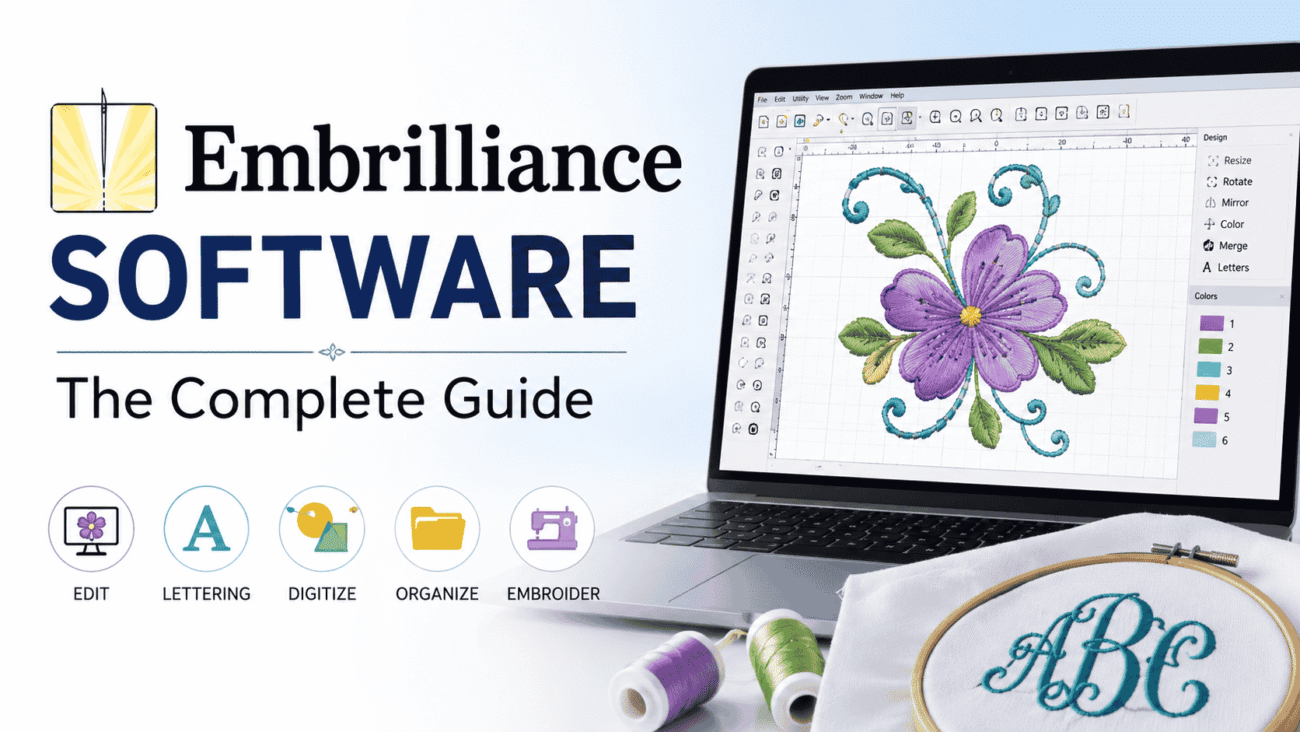
If you’ve started exploring machine embroidery, you’ve probably come across Embrilliance software. It’s one of the most recognized embroidery software platforms because it offers flexibility, works with many embroidery machine brands, and lets users buy only the features they need instead of paying for one expensive package.
But before investing, most people have the same questions:
- Which Embrilliance software do I need?
- How much is Embrilliance software?
- Is it worth the price?
- Which edition is best for beginners?
The answers depend on your experience level and what you want to create. Someone who only wants to personalize towels with monograms doesn’t need the same tools as a small embroidery business digitizing custom logos.
This guide walks through the different Embrilliance modules, explains what each one does, discusses Embrilliance software price considerations, and helps you decide which version fits your embroidery goals.
What Is Embrilliance Software?
Embrilliance is embroidery editing and design software built for hobbyists, home businesses, and professional embroiderers. Instead of offering one all-in-one package, the company uses a modular approach.
Each module focuses on a different part of embroidery, allowing users to purchase only the tools they actually need.
Unlike some embroidery programs that only support specific machine brands, Embrilliance works with a wide range of embroidery file formats. This makes it popular among users of Brother, Baby Lock, Janome, Bernina, Husqvarna Viking, Pfaff, Singer, and several other embroidery machines.
Another advantage is its compatibility with both Windows and macOS, making it one of the few embroidery software options that offers a similar experience across both operating systems.
Why Many Embroiderers Choose Embrilliance
Embroidery software can be intimidating at first. Some professional programs have a steep learning curve and include advanced features that beginners may never use.
Embrilliance takes a different approach by making common tasks easier.
Some reasons users choose it include:
- User-friendly interface
- Wide embroidery machine compatibility
- Modular pricing
- Frequent software updates
- Strong embroidery community
- Runs on Windows and Mac
- Easy design editing without advanced digitizing knowledge
For many hobbyists, this combination offers a practical balance between affordability and functionality.
Understanding the Different Embrilliance Software Modules
One of the biggest sources of confusion is that Embrilliance isn’t a single product. Instead, it’s a collection of software modules, each designed for different embroidery needs.
Understanding these differences makes choosing the right version much easier.
Embrilliance Essentials
Essentials is often the starting point for most users.
It allows you to:
- Resize embroidery designs while maintaining stitch quality
- Merge multiple embroidery designs
- Add lettering
- Rotate and mirror designs
- Adjust colors
- Print templates
- Save files in different embroidery formats
For many home embroiderers, Essentials provides everything needed for everyday projects.
Embrilliance Enthusiast
Enthusiast builds on Essentials by adding more advanced editing capabilities.
These include:
- Stitch editing
- Knockdown stitches
- Decorative fills
- Advanced lettering controls
- Bean stitch options
- Expanded editing tools
This version appeals to users who want more creative flexibility without learning professional digitizing software.
Embrilliance StitchArtist
StitchArtist is designed for users who want to create embroidery designs from scratch.
Instead of simply editing existing embroidery files, StitchArtist allows users to digitize artwork into embroidery.
It includes tools for:
- Manual digitizing
- Object creation
- Satin columns
- Fill stitches
- Underlay settings
- Stitch direction
- Density adjustments
Professional embroidery businesses often use StitchArtist because it offers significantly more design control.
AlphaTricks
AlphaTricks focuses on embroidery fonts.
It allows users to customize alphabet designs, create unique lettering layouts, and work with embroidery font collections more efficiently.
People who frequently personalize gifts often find this module especially useful.
Thumbnailer
Thumbnailer doesn’t edit embroidery designs.
Instead, it displays embroidery file previews directly inside Windows File Explorer or macOS Finder.
Although it seems like a small feature, it saves considerable time when managing hundreds of embroidery files.
Which Embrilliance Software Do I Need?
The answer depends entirely on what you plan to do.
The table below provides a simple comparison.
| User Type | Recommended Module | Why It Fits |
|---|---|---|
| Beginner | Essentials | Easy editing and lettering |
| Hobby Embroiderer | Essentials + Enthusiast | More creative options without complex digitizing |
| Small Business | Essentials + StitchArtist | Create and edit original embroidery designs |
| Professional Digitizer | StitchArtist | Advanced manual digitizing tools |
| Gift Personalization Business | Essentials + AlphaTricks | Better font management and customization |
If your main goal is adding names to towels, baby blankets, or hats, Essentials is usually enough.
If you want complete control over stitch creation, you’ll likely need StitchArtist.
How Much Is Embrilliance Software?
One of the most common questions buyers ask is how much is Embrilliance software.
The answer varies because each module is sold separately, and prices may change over time.
For example:
- Essentials has its own purchase price.
- Enthusiast is an additional module.
- StitchArtist is available in multiple levels.
- Optional add-ons can increase the overall cost.
Because software pricing occasionally changes due to promotions or updates, it’s always best to verify the latest Embrilliance software price directly through the developer before making a purchase.
Rather than focusing only on the initial price, consider the long-term value. Many users appreciate being able to expand their software gradually instead of paying for features they may never use.
Is Embrilliance Worth the Price?
Value depends on how often you embroider.
Someone creating a few projects each year may only need the basic editing tools.
However, if you regularly personalize clothing, produce gifts, or operate a small embroidery business, the software can save significant time by simplifying editing tasks and reducing repetitive work.
Many users also appreciate that they can continue using the software without recurring subscription fees, depending on the license and version they purchase. Even so, it’s wise to review the current licensing terms before buying, as software policies can change over time.
Features That Make Everyday Embroidery Easier
Good embroidery software isn’t just about adding more tools. It’s about making common tasks quicker and less frustrating.
Embrilliance includes several practical features that improve the overall workflow.
Easy Design Resizing
One of the biggest frustrations in embroidery is changing a design’s size without ruining the stitch quality.
Unlike basic image editing software, Embrilliance recalculates stitch data to help maintain better embroidery results when resizing supported designs.
Multiple File Format Support
Embroidery machines use different file formats.
Instead of converting files with multiple programs, users can often open, edit, and save designs in formats compatible with their machines.
This flexibility is especially useful for people who upgrade machines or work with customers using different brands.
Lettering Tools
Adding names and monograms is one of the most common embroidery tasks.
The built-in lettering tools make it easy to personalize items such as towels, bags, jackets, and baby gifts without creating designs from scratch.
Merge Multiple Designs
Rather than stitching separate files individually, users can combine multiple embroidery elements into one design before transferring it to their machine.
This reduces setup time and provides better control over placement.
Common Mistakes New Users Make
Buying embroidery software is only part of the process. Getting the most from it requires understanding your own needs and avoiding common pitfalls.
One frequent mistake is purchasing advanced digitizing tools before mastering basic editing. Beginners often discover that Essentials covers nearly everything they need for their first projects.
Another mistake is overlooking embroidery file compatibility. While Embrilliance supports many formats, it’s still important to confirm that your embroidery machine uses a supported file type.
Finally, some users skip software tutorials and try to learn through trial and error. Spending a little time with the available learning resources can make the experience much smoother.
Pros and Cons of Embrilliance Software
Every embroidery program has strengths and limitations. Looking at both sides helps you decide whether Embrilliance is the right fit for your projects.
Pros
- Works with many popular embroidery machine brands.
- Available for both Windows and macOS.
- Modular design lets you buy only the features you need.
- Beginner-friendly interface with a relatively short learning curve.
- Strong editing tools for resizing, lettering, and combining designs.
- Active user community with tutorials and learning resources.
- Suitable for hobbyists, home businesses, and experienced embroiderers.
Cons
- Advanced features require purchasing additional modules.
- StitchArtist has a steeper learning curve than Essentials.
- Total cost can increase if you need several modules.
- Not every user needs all available add-ons.
- Beginners may initially find it confusing to understand the differences between each edition.
For most users, the advantages outweigh the drawbacks, especially when they start with the module that matches their current skill level instead of buying every option at once.
Expert Tips Before Buying Embrilliance Software
After working with embroidery software for years, many experienced users recommend taking a practical approach rather than purchasing the most advanced package immediately.
Start With Your Actual Needs
Ask yourself what you’ll be doing most often.
If your projects mainly involve adding names, monograms, or simple edits to purchased embroidery designs, Essentials is usually sufficient.
If you plan to sell custom logos or convert artwork into embroidery files, learning StitchArtist becomes a worthwhile investment.
Buying only what you need today makes it easier to expand later without overspending.
Check Your Machine’s Supported File Formats
Although Embrilliance supports many embroidery formats, it’s still a good idea to verify your machine’s requirements before importing or exporting designs.
A quick compatibility check can save time and prevent unnecessary frustration.
Keep Your Design Files Organized
As your embroidery collection grows, file management becomes increasingly important.
Create folders based on categories such as:
- Holidays
- Monograms
- Children’s Designs
- Animals
- Floral Patterns
- Business Logos
- Customer Orders
A well-organized library makes finding designs much easier, especially if you embroider regularly.
Practice Before Working on Customer Orders
If you’re running a home embroidery business, don’t test new software features on paid projects.
Instead, practice on scrap fabric to learn how stitch density, underlay, and resizing affect the finished result.
This simple habit helps avoid wasted materials and disappointed customers.
Learn One Feature at a Time
Embrilliance offers many tools, but trying to master everything in one day can feel overwhelming.
Focus on one skill at a time, such as lettering, resizing, or combining designs. As your confidence grows, move on to more advanced features.
Consistent practice often leads to better results than trying to learn every function at once.
Is Embrilliance a Good Choice for Small Businesses?
For many small embroidery businesses, Embrilliance strikes a balance between affordability and capability.
Businesses that personalize apparel, hats, tote bags, uniforms, and gifts often need software that allows quick edits without requiring advanced digitizing knowledge for every project.
For example, a local embroidery shop creating school uniforms may regularly resize logos, add student names, and adjust thread colors. Essentials can handle many of these everyday tasks efficiently.
On the other hand, a company producing custom embroidered logos from customer artwork may benefit from StitchArtist because it offers greater control over stitch creation and design quality.
The best choice depends on the services your business provides today and the ones you hope to offer in the future.
How Embrilliance Compares to Other Embroidery Software
While many embroidery programs share similar goals, they often differ in complexity, pricing, and target audience.
| Feature | Embrilliance | Many Professional Suites |
|---|---|---|
| Beginner Friendly | Excellent | Moderate to Difficult |
| Modular Purchasing | Yes | Often No |
| Windows Support | Yes | Yes |
| macOS Support | Yes | Sometimes Limited |
| Design Editing | Strong | Strong |
| Manual Digitizing | Available with StitchArtist | Usually Included |
| Learning Curve | Low to Moderate | Moderate to High |
Rather than asking which software is “best,” consider which one best matches your embroidery experience, budget, and future plans.
Someone who only personalizes gifts has very different needs from a professional digitizer creating commercial embroidery files every day.
FAQs
Can beginners use Embrilliance software?
Yes. Many beginners start with Embrilliance Essentials because it focuses on editing, lettering, and basic design management without overwhelming users with advanced digitizing tools.
Does Embrilliance work with different embroidery machine brands?
Yes. Embrilliance supports a wide range of embroidery file formats used by many popular machine manufacturers. Before purchasing, it’s still a good idea to confirm compatibility with your specific model.
How much is Embrilliance software?
The answer depends on the module you choose. Since each edition is priced separately and prices may change over time, check the official Embrilliance website for the most current pricing and licensing information.
Which Embrilliance software do I need?
If you mainly edit embroidery designs or add lettering, Essentials is usually the best starting point. If you want to create original embroidery designs from artwork, StitchArtist offers the advanced digitizing tools you’ll need.
Is Embrilliance worth buying?
For many hobbyists and small businesses, yes. Its flexible purchasing model, broad machine compatibility, and user-friendly editing tools make it a practical investment. Whether it’s worth the cost depends on how often you embroider and which features you’ll actually use.
Final Thoughts
Choosing embroidery software is less about finding the most advanced program and more about selecting one that supports the way you work.
Embrilliance software has earned a strong reputation because it offers flexibility without forcing every user into an expensive, all-in-one package. Beginners can start with the essentials, while experienced embroiderers can expand into advanced editing and digitizing as their skills grow.
If you’re wondering which Embrilliance software do I need, begin by thinking about your typical projects. Personalizing towels, baby gifts, and apparel usually requires different tools than creating custom commercial logos.
Likewise, if you’re researching how much is Embrilliance software or comparing Embrilliance software price options, remember that the lowest cost isn’t always the best value. Choosing the right module for your current needs—and leaving room to expand later—often leads to a better long-term experience.
By taking the time to understand the available editions, checking compatibility with your embroidery machine, and learning the software step by step, you’ll be in a much better position to create professional-looking embroidery projects with confidence.
