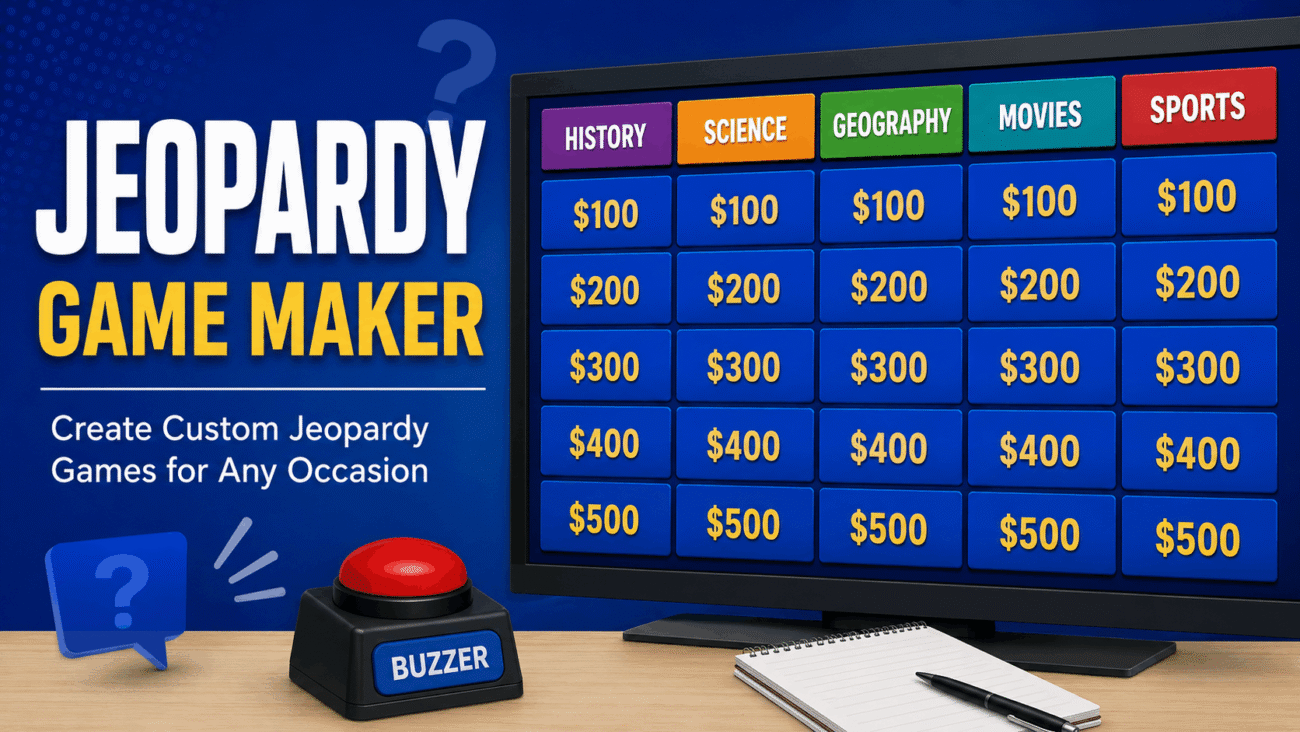
If you’ve ever wanted to turn a lesson, training session, or family game night into something more engaging, a jeopardy game maker is one of the easiest tools to use. Inspired by the popular television quiz show, these tools let you organize questions into categories with different point values, creating a game that’s both educational and entertaining.
Teachers use them to review classroom material before exams. Businesses rely on them for employee training and team-building events. Families even create custom Jeopardy-style games for birthdays, holiday gatherings, and trivia nights.
The best part is that you don’t need advanced design or programming skills. Many platforms provide ready-made templates, allowing you to build a complete game in less than an hour.
In this guide, you’ll learn how Jeopardy game makers work, which features matter most, and how to choose the right option for your needs.
What Is a Jeopardy Game Maker?
A Jeopardy game maker is software or a presentation template that helps users create quiz games based on the familiar Jeopardy format.
Instead of writing questions on paper, you organize them into categories and assign different point values. Players select a category and score, answer the question, and earn points for correct responses.
Most modern tools also include clickable game boards, score tracking, animations, and multimedia support, making the experience more interactive than a traditional quiz.
Whether you’re teaching a classroom, leading a corporate workshop, or hosting friends at home, the basic concept remains the same.
How Does a Jeopardy Game Maker Work?
Although different platforms have their own layouts, the overall process is simple.
First, you choose several categories related to your topic.
For example, a history quiz might include categories such as:
- Ancient Civilizations
- American History
- World Wars
- Famous Leaders
- Geography
Each category contains questions worth increasing point values, with harder questions earning more points.
When players select a point value, the corresponding question appears. After answering, the game returns to the main board until every question has been played.
Some platforms automatically track scores, while others require a host to update them manually.
Who Uses Jeopardy Game Makers?
One reason these tools remain popular is their flexibility.
They’re useful in many different settings.
Teachers
Teachers often use Jeopardy-style games before quizzes or exams.
Instead of reviewing notes through lectures, students actively participate, making the lesson more memorable.
Businesses
Companies frequently use quiz games during onboarding sessions, compliance training, and team-building events.
The competitive format encourages participation without making training feel overwhelming.
Families
Parents create custom games for birthdays, holidays, and reunions.
Questions can focus on family memories, favorite movies, sports, or general knowledge.
Event Hosts
Community organizations and fundraising events often include Jeopardy-style trivia because it’s easy for participants of different ages to understand.
Features to Look For
Not every jeopardy game maker offers the same capabilities.
Before choosing one, consider the features that matter most.
Easy Editing
The best platforms allow you to update questions quickly without redesigning the entire board.
This becomes especially useful when creating multiple games throughout the year.
Multimedia Support
Images, videos, and audio clips make quizzes much more engaging.
Science classes might include diagrams, while music quizzes can use short audio samples.
Automatic Navigation
Clickable game boards save time by automatically moving between questions and returning to the main screen.
This creates a smoother experience for both hosts and players.
Score Tracking
Some tools include built-in scoreboards.
Others allow the presenter to update points manually during gameplay.
Either option works, but automatic scoring can reduce mistakes.
Popular Ways to Build a Jeopardy Game
Several platforms make creating quiz games surprisingly simple.
Online Jeopardy Game Makers
Browser-based tools require no installation and are accessible from almost any device with an internet connection.
Many include templates that can be customized within minutes.
Spreadsheet-Based Templates
Some educators build simple Jeopardy boards using spreadsheets.
Although less interactive, they’re quick to edit and easy to share.
Presentation Software
Presentation programs remain one of the most popular choices because they combine animations, hyperlinks, and multimedia into one file.
Many users already have experience with these tools, reducing the learning curve.
Why Interactive Quizzes Improve Learning
Traditional review sessions often involve reading notes or answering worksheets.
Interactive quiz games encourage participation instead.
When players actively recall information, discuss answers, and compete in friendly teams, they’re more likely to remember the material afterward.
The game format also keeps attention focused for longer periods, especially during classroom lessons or employee training sessions.
Choosing the Right Tool
The ideal platform depends on how you’ll use it.
If you’re creating occasional quizzes for family gatherings, a simple template may be all you need.
Teachers who build games every week may benefit from software with reusable templates and multimedia support.
Businesses often prefer platforms that support larger audiences, easy collaboration, and reliable presentation features.
Jeopardy Game Maker Google Slides vs. PowerPoint
Many people already have access to presentation software, making it a natural place to build a Jeopardy-style game. Two of the most popular options are Google Slides and Microsoft PowerPoint.
Each has strengths, so the better choice depends on where and how you plan to present your quiz.
Jeopardy Game Maker Google Slides
A jeopardy game maker Google Slides template is ideal when you need to collaborate with others or present online.
Because everything is stored in the cloud, multiple teachers or coworkers can edit the same game without emailing files back and forth.
Advantages include:
- Free with a Google account
- Easy sharing and collaboration
- Accessible from almost any device
- Automatic saving
- Great for remote learning
One thing to remember is that some advanced animations available in desktop presentation software may not work exactly the same in Google Slides.
Jeopardy Game Maker PowerPoint
A jeopardy game maker PowerPoint template is often the preferred choice for presentations in classrooms, conference rooms, or training sessions.
PowerPoint supports advanced animations, transitions, and hyperlink navigation that create a polished game experience.
Benefits include:
- Powerful presentation features
- Works offline
- Smooth animations
- Reliable hyperlink navigation
- Excellent multimedia support
If you’re presenting in a location with limited internet access, PowerPoint can be especially convenient.
Finding a Jeopardy Game Maker Free
Many people assume they need expensive software to build an interactive quiz.
Fortunately, that’s rarely the case.
A jeopardy game maker free solution is often enough for schools, families, nonprofits, and small businesses.
Free options typically include:
- Google Slides templates
- PowerPoint templates
- Browser-based quiz builders
- Community-created templates
- Educational resource websites
Before downloading any template, verify that hyperlinks and navigation work correctly.
Testing the game beforehand helps avoid interruptions during your presentation.
Comparison of Popular Jeopardy Game Maker Options
| Feature | Google Slides | PowerPoint | Online Game Makers |
|---|---|---|---|
| Cost | Free | Often requires a license | Free and paid options |
| Collaboration | Excellent | Limited without cloud sharing | Usually good |
| Offline Use | Limited | Excellent | Usually requires internet |
| Multimedia Support | Good | Excellent | Varies by platform |
| Ease of Sharing | Excellent | Good | Excellent |
| Best For | Classrooms and remote teams | Professional presentations | Quick online quizzes |
Each option can produce an engaging quiz. Your decision should depend on your audience, available technology, and presentation style.
Tips for Creating a Better Jeopardy Game
A successful quiz isn’t just about asking questions.
The way you organize the game has a big impact on player engagement.
Keep categories simple and clearly labeled.
Players should immediately understand what type of questions they’ll encounter.
Arrange questions by difficulty.
Starting with easier questions helps build confidence before moving to more challenging ones.
Use images whenever they add value.
A geography question, for example, becomes much more engaging with a map or landmark photo.
Keep questions concise.
Long paragraphs slow the game and make it harder for participants to focus.
Finally, test every hyperlink before presenting.
Broken navigation is one of the quickest ways to interrupt the flow of a quiz.
Common Mistakes to Avoid
One common mistake is including too much text on each slide.
Players should spend their time thinking about the answer rather than reading lengthy descriptions.
Another issue is inconsistent point values.
Questions worth more points should generally be more challenging than lower-value questions.
Many presenters also forget to practice the game before using it with an audience.
Running through every question once allows you to identify broken links, formatting problems, or spelling errors.
Don’t overlook accessibility, either.
Use readable fonts, strong color contrast, and clear images so everyone can participate comfortably.
Expert Advice for Better Engagement
After creating educational quizzes for years, many instructors agree on one simple principle: variety keeps people interested.
Mix factual questions with image-based clues, short videos, or audio clips whenever appropriate.
Encourage teamwork instead of focusing only on competition.
Small groups often discuss answers together, leading to better learning outcomes and more lively conversations.
If you’re hosting a corporate training session, include practical scenarios rather than memorization-based questions.
Real-world examples help participants connect the material to their daily work.
FAQs
What is the best Jeopardy game maker for teachers?
The best choice depends on your teaching style. Many educators prefer jeopardy game maker Google Slides because it’s free, cloud-based, and easy to share with students or colleagues. Others choose PowerPoint for its advanced animations and offline reliability.
Can I create a Jeopardy game for free?
Yes. There are many jeopardy game maker free options available online. Google Slides templates, PowerPoint templates, and browser-based quiz builders allow you to create interactive games without paying for dedicated software. Features vary by platform, so it’s worth comparing a few before deciding.
Is PowerPoint good for making Jeopardy games?
Absolutely. A jeopardy game maker PowerPoint template is one of the most popular choices because it supports clickable navigation, multimedia, animations, and offline presentations. It’s especially useful for classrooms, conferences, and business training sessions.
How many questions should a Jeopardy game include?
A traditional Jeopardy board often includes five or six categories with five questions in each category, resulting in 25–30 questions. However, you can easily adjust the number based on the available time and the age or experience of your audience.
Can Jeopardy games be used outside the classroom?
Yes. Jeopardy-style games work well in many situations, including employee training, team-building events, family gatherings, church groups, trivia nights, and community programs. The format is flexible enough to fit almost any topic or audience.
Final Thoughts
A jeopardy game maker is much more than a quiz-building tool. It transforms ordinary review sessions into interactive experiences that encourage participation, discussion, and friendly competition.
Whether you’re a teacher reviewing class material, a manager leading employee training, or a parent organizing a family game night, creating a custom Jeopardy-style game is easier than ever. Modern tools offer templates, multimedia support, and simple editing features that make game creation accessible even for beginners.
If collaboration is important, a jeopardy game maker Google Slides template is an excellent option because it allows multiple people to work on the same presentation from anywhere. If you need advanced animations or offline presentations, a jeopardy game maker PowerPoint template remains a reliable choice.
For users on a budget, there are plenty of jeopardy game maker free resources that provide everything needed to build engaging quizzes without purchasing specialized software.
The key to a successful game isn’t choosing the most advanced platform—it’s creating thoughtful questions, organizing them clearly, and designing an experience that keeps players engaged from the first category to the final clue.
