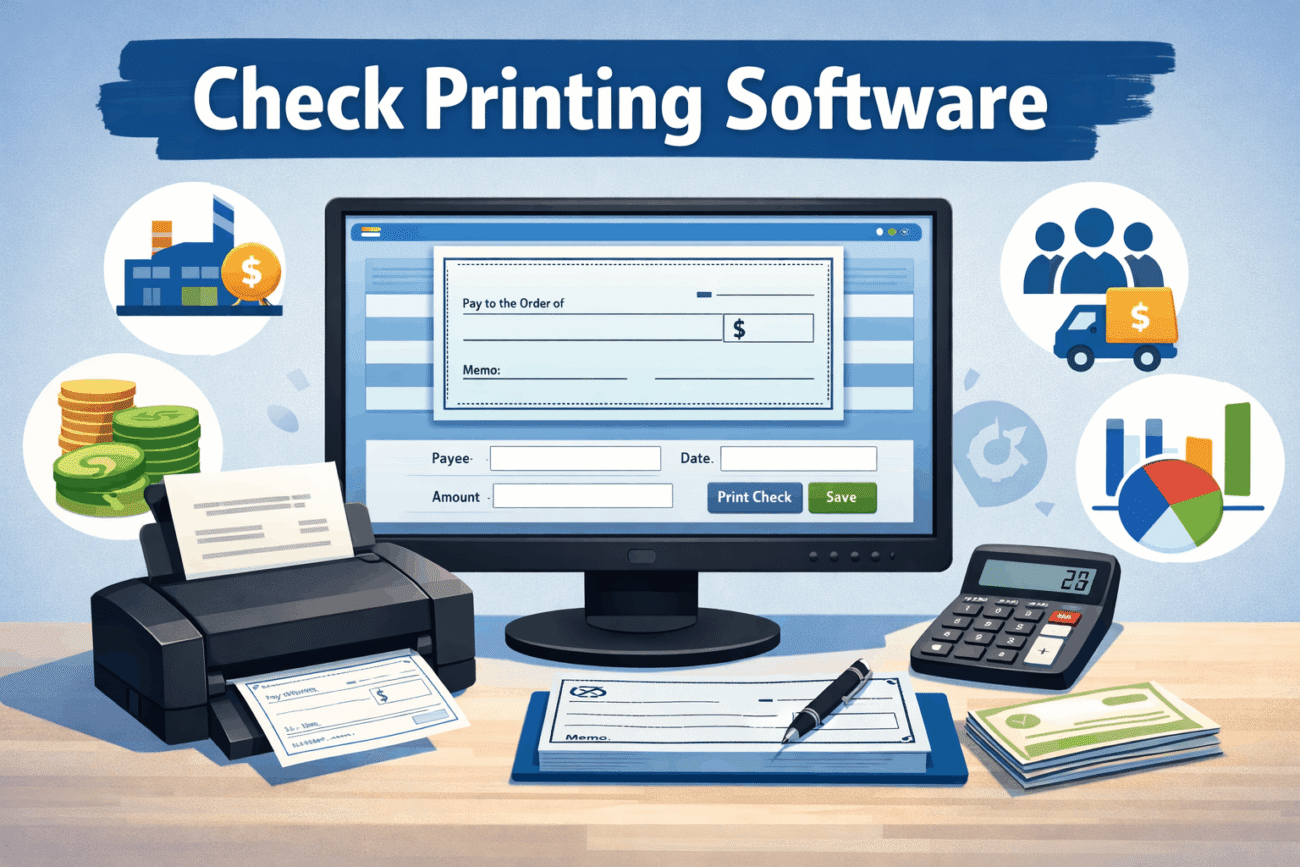
Writing checks by hand might work if you only issue a few payments each month. But once your business starts paying employees, vendors, contractors, or suppliers regularly, manual check writing quickly becomes time-consuming and prone to mistakes. That’s where check printing software becomes valuable.
Check printing software allows businesses to create, manage, and print professional checks directly from a computer. Many solutions also integrate with accounting software, making it easier to track payments, reconcile bank accounts, and manage payroll without switching between multiple systems.
Whether you’re searching for free check printing software, evaluating payroll check printing software, or looking for business check printing software for daily operations, understanding how these tools work will help you choose a solution that fits your needs.
This guide explains the features, benefits, practical applications, and important considerations before investing in check printing software.
What Is Check Printing Software?
Check printing software is a financial application that helps individuals and businesses create and print checks using compatible printers and check stock.
Instead of completing paper checks manually, users enter payment details into the software, which formats and prints the information accurately.
Depending on the software, users may be able to print:
- Business checks
- Payroll checks
- Vendor payments
- Refund checks
- Accounts payable checks
- Expense reimbursement checks
Many platforms also store payment records, making future reporting and bookkeeping much easier.
Why Businesses Use Check Printing Software
Although electronic payments continue to grow, many organizations still rely on printed checks for certain transactions.
Businesses often use check printing software because it helps:
- Reduce manual data entry
- Improve payment accuracy
- Maintain organized financial records
- Speed up payroll processing
- Print checks on demand
- Minimize handwriting errors
For companies that issue checks regularly, these improvements can save significant administrative time.
How Check Printing Software Works
The process is generally straightforward.
Users enter payment information, select the appropriate bank account, choose a check template, and print the check using compatible paper and printer settings.
Many software programs also record each transaction automatically, making bookkeeping and reconciliation easier later.
Some platforms integrate directly with accounting software, reducing duplicate data entry.
Key Features of Check Printing Software
Although available features vary between providers, most business solutions include several core capabilities.
Check Design and Printing
Users can print professional-looking checks that include:
- Payee name
- Payment amount
- Date
- Memo
- Authorized signature
- Bank account information
Many programs support multiple check layouts for different business needs.
Payment Record Management
Every printed check is typically stored within the software.
This creates a searchable payment history that simplifies accounting and financial reporting.
Multiple Bank Account Support
Businesses operating several bank accounts can usually manage them within one platform.
This helps organizations separate payroll, operating expenses, and other financial activities.
Security Features
Financial software often includes security options such as:
- User permissions
- Password protection
- Audit logs
- Secure check numbering
- Data backups
These features help protect sensitive financial information.
Accounting Integration
Many check printing applications connect with accounting software, allowing payment records to synchronize automatically.
This reduces duplicate work while improving bookkeeping accuracy.
Free Check Printing Software
Many small businesses begin by exploring free check printing software.
Free solutions may work well for:
- Home businesses
- Freelancers
- Startups
- Organizations with low payment volume
However, free software often includes limitations such as:
- Fewer customization options
- Limited technical support
- Restricted integrations
- Fewer reporting features
- Printing limits
Before choosing a free solution, compare its capabilities with your current and future business requirements.
Payroll Check Printing Software
Processing employee payroll involves more than simply printing checks.
Dedicated payroll check printing software often includes additional features such as:
- Employee payment records
- Tax calculations
- Payroll reporting
- Earnings statements
- Direct deposit support
- Payroll history
For businesses with multiple employees, payroll-specific software can reduce administrative work while helping maintain organized payroll records.
Organizations should always verify that payroll software supports current federal, state, and local tax requirements applicable to their location.
Business Check Printing Software
Larger organizations often require more advanced functionality than basic check printing applications provide.
Business check printing software may include:
- Multi-user access
- Approval workflows
- Multiple company profiles
- Vendor management
- Accounts payable integration
- Advanced financial reporting
- Bank reconciliation tools
These features help businesses maintain greater control over financial operations while reducing manual tasks.
Benefits of Using Check Printing Software
Businesses adopt check printing software for several practical reasons.
Saves Time
Preparing checks electronically is generally much faster than writing them by hand.
Templates and saved payee information reduce repetitive data entry.
Improves Accuracy
Automated formatting helps reduce spelling mistakes, incorrect payment amounts, and inconsistent check layouts.
Better Financial Organization
Digital payment records make it easier to locate previous transactions during audits, tax preparation, or financial reviews.
Professional Appearance
Printed checks typically look cleaner and more consistent than handwritten checks.
This creates a more professional impression when paying vendors or employees.
Real-World Example
Imagine a construction company that pays dozens of subcontractors every Friday.
Writing each check manually could take hours and increase the likelihood of mistakes.
With check printing software, accounting staff import payment information from their bookkeeping system, review each payment, and print all checks within minutes while automatically recording every transaction.
The result is a faster payment process, fewer administrative errors, and better financial organization.
Comparing Manual Check Writing and Check Printing Software
| Feature | Manual Checks | Check Printing Software |
|---|---|---|
| Payment Speed | Slow | Fast |
| Record Keeping | Manual | Automatic |
| Error Reduction | Limited | Improved |
| Multiple Bank Accounts | Difficult | Supported |
| Payroll Integration | No | Often Available |
| Professional Appearance | Varies | Consistent |
| Financial Reporting | Manual | Built In |
For businesses that issue checks frequently, dedicated software often improves efficiency while reducing administrative workload.
Pros and Cons of Check Printing Software
Before choosing a check printing solution, it’s worth looking at both the advantages and the potential limitations. The right software should match your business size, payment volume, and accounting workflow.
Pros
- Saves time by automating check creation.
- Reduces manual entry errors.
- Produces professional-looking business and payroll checks.
- Keeps digital records for easier bookkeeping.
- Supports multiple bank accounts in many applications.
- Integrates with accounting and payroll software.
- Improves payment tracking and financial organization.
Cons
- Some advanced features require paid subscriptions.
- Employees may need training to use the software effectively.
- Compatibility with printers and check stock should be verified.
- Certain accounting integrations may require additional setup.
- Businesses issuing very few checks may not need a full-featured solution.
For organizations that print checks regularly, the long-term efficiency gains often outweigh the initial setup time.
Common Mistakes to Avoid
Even the best software can’t prevent every problem if it’s used incorrectly. These are some of the most common mistakes businesses make.
Choosing Software Based Only on Price
Free or low-cost software may seem attractive, but it may not include features your business will eventually need.
Consider your future growth, accounting system, and payroll requirements before making a decision.
Ignoring Security Settings
Financial information should always be protected.
Use strong passwords, assign user permissions, and enable available security features to reduce the risk of unauthorized access.
Failing to Test Printer Alignment
Before printing a batch of checks, perform a test print using plain paper.
This simple step helps prevent alignment issues and wasted check stock.
Forgetting Regular Backups
Payment records are valuable financial documents.
Backing up your software regularly helps protect your data from hardware failures or accidental deletion.
Not Reconciling Printed Checks
Printing checks is only part of the process.
Regularly reconciling payments with your bank statements helps identify discrepancies early and keeps financial records accurate.
Expert Tips for Choosing Check Printing Software
Selecting the right solution involves more than comparing feature lists.
Look for Accounting Integration
If your business already uses accounting software, choose a check printing solution that integrates with it.
This reduces duplicate data entry and minimizes bookkeeping errors.
Think About Future Growth
A small business with five monthly payments today may process hundreds within a few years.
Choose software that can scale with your business instead of replacing it later.
Verify Bank Compatibility
Confirm that the software supports your financial institution’s requirements and works with your preferred check format.
Consider Payroll Needs
If you pay employees by check, payroll functionality may save considerable time compared to using separate systems.
Review Customer Support Options
Reliable technical support becomes valuable when configuring printers, importing financial data, or troubleshooting printing issues.
Is Check Printing Software Right for You?
Not every business has the same payment needs.
You may benefit from check printing software if you:
- Regularly pay vendors or suppliers.
- Process payroll by check.
- Manage multiple bank accounts.
- Need organized payment records.
- Want to reduce manual bookkeeping.
- Prefer professional-looking printed checks.
However, businesses that rely almost entirely on electronic payments may require fewer check-printing features.
Evaluating your payment workflow before investing will help you select software that matches your operational needs.
FAQs
What is check printing software?
Check printing software is a program that allows businesses and individuals to create, manage, and print checks directly from a computer while maintaining digital payment records.
Is free check printing software good enough?
Free check printing software can work well for freelancers, startups, or businesses with low payment volumes. However, larger businesses often benefit from paid solutions that offer accounting integrations, security features, and advanced reporting.
What is payroll check printing software?
Payroll check printing software is designed specifically for employee payments. In addition to printing payroll checks, many solutions include payroll records, tax calculations, earnings statements, and reporting features.
Can business check printing software integrate with accounting programs?
Yes. Many business check printing applications integrate with accounting software, allowing payment information to sync automatically and reducing duplicate data entry.
What should I consider before choosing check printing software?
Look for features such as accounting integration, security controls, payroll support, reporting capabilities, multi-user access, customer support, and compatibility with your printer and check stock.
Conclusion
Check printing software remains a practical solution for businesses that continue to issue paper checks for payroll, vendor payments, reimbursements, and other financial transactions. By automating the check creation process, it reduces manual work, improves accuracy, and helps maintain organized financial records.
Whether you’re exploring free check printing software, comparing payroll check printing software, or evaluating business check printing software for a growing organization, the best choice depends on your payment volume, accounting workflow, and long-term business goals.
Take time to compare features, verify software compatibility, and consider future growth before making a decision. A well-chosen check printing solution can simplify daily financial operations while giving your business greater control over payment management.
