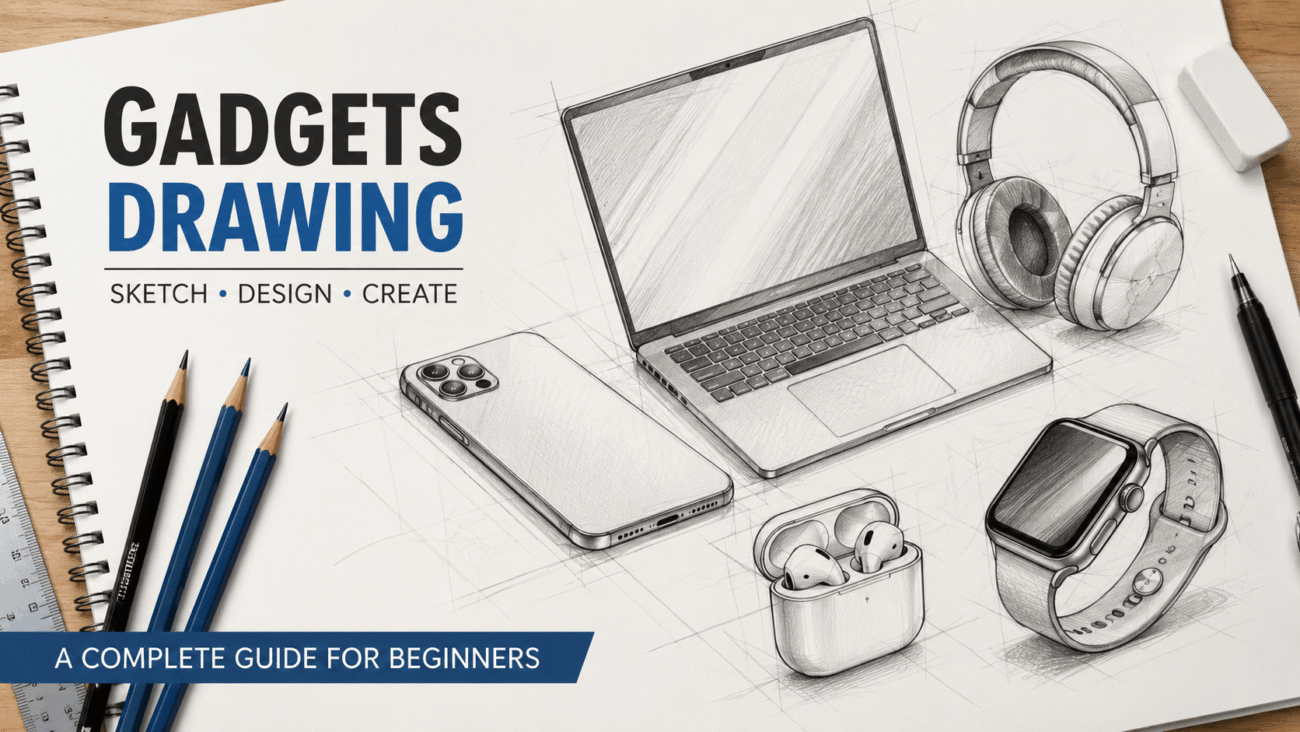
Whether you’re an aspiring artist, a product design student, or someone who enjoys sketching technology, gadgets drawing is an excellent way to improve your observation and illustration skills. Drawing everyday devices such as smartphones, headphones, laptops, smartwatches, and cameras helps you understand shapes, proportions, and perspective while creating artwork that feels modern and practical.
The good news is that you don’t need expensive equipment or years of experience to begin. Most gadget illustrations start with simple geometric shapes that gradually become detailed sketches. With regular practice and a few proven techniques, anyone can learn to create clean and realistic drawings.
This guide explains the fundamentals of gadgets drawing, the tools you’ll need, common mistakes to avoid, and practical methods that artists use to produce accurate sketches.
What Is Gadgets Drawing?
Gadgets drawing is the process of illustrating electronic devices using traditional or digital art techniques. These devices may include:
- Smartphones
- Tablets
- Laptops
- Wireless earbuds
- Smartwatches
- Gaming controllers
- Cameras
- Computer accessories
Unlike drawing natural objects, gadgets require attention to symmetry, straight lines, smooth curves, and accurate proportions. Since many modern devices have minimalistic designs, even small mistakes can make the final drawing look unrealistic.
Why Learn to Draw Gadgets?
Many people assume gadgets drawing is only useful for professional designers, but it has value for hobbyists, students, and creative professionals alike.
Learning to draw electronic devices can help you:
- Improve observation skills.
- Practice perspective and proportion.
- Develop cleaner line work.
- Build a portfolio for product design.
- Create illustrations for blogs, presentations, or social media.
- Understand industrial design principles.
Even if you never plan to become a professional artist, drawing gadgets strengthens your overall artistic foundation.
Essential Drawing Materials
One of the biggest misconceptions is that you need expensive supplies. In reality, a few basic tools are enough to produce high-quality sketches.
Traditional Drawing Supplies
For beginners, start with:
- HB pencil for outlines
- 2B pencil for darker details
- Mechanical pencil for precision
- White eraser
- Ruler
- Sketchbook
- Fineliner pens (optional)
A ruler is especially useful because electronic devices often feature perfectly straight edges.
Digital Drawing Tools
If you prefer digital art, you can use:
- Drawing tablet
- Stylus
- Digital illustration software
- iPad or Android tablet with a drawing app
Digital tools make it easier to adjust proportions, duplicate shapes, and experiment with different shading techniques.
Understanding Basic Shapes
Before adding buttons or screens, break every gadget into simple forms.
For example:
Smartphone
Begin with:
- One large rectangle
- Rounded corners
- Smaller rectangle for the display
- Circles for cameras
Laptop
Start by drawing:
- A thin rectangle for the screen
- Another rectangle for the keyboard
- Small keys added afterward
Smartwatch
Think of it as:
- Rounded square face
- Two long bands
- Circular buttons on the side
Simplifying complex devices into basic shapes makes the drawing process much less intimidating.
Step-by-Step Gadgets Drawing Process
Following the same workflow each time helps improve consistency.
Step 1: Study the Reference
Choose a clear photo of the gadget you want to draw.
Pay attention to:
- Overall shape
- Size relationships
- Corners
- Buttons
- Camera placement
- Screen proportions
Don’t rush into sketching before observing these details.
Step 2: Draw Basic Guidelines
Lightly sketch construction lines.
These guide the placement of:
- Edges
- Center lines
- Camera modules
- Ports
- Speakers
Guidelines help maintain symmetry throughout the drawing.
Step 3: Create the Outline
Once the proportions look correct, darken the outer edges.
Avoid pressing too hard at this stage. Keeping lines light allows you to make corrections easily.
Step 4: Add Small Details
Now begin drawing features such as:
- Camera lenses
- Buttons
- Charging ports
- Speakers
- Logos
- Screen bezels
These details give the gadget its identity.
Step 5: Apply Shading
Modern gadgets usually have smooth surfaces.
Use soft shading to create:
- Reflections
- Depth
- Rounded edges
- Metallic finishes
- Glass effects
Subtle shading often looks more realistic than heavy, dark shadows.
Common Gadgets to Practice
Some devices are easier to draw than others.
Here’s a comparison to help you choose.
| Gadget | Difficulty | Best for Beginners |
|---|---|---|
| Smartphone | Easy | Yes |
| Tablet | Easy | Yes |
| Wireless Earbuds | Medium | Yes |
| Laptop | Medium | Yes |
| Computer Mouse | Easy | Yes |
| Smartwatch | Medium | Yes |
| DSLR Camera | Hard | Later Practice |
| Gaming Console | Hard | Advanced Artists |
Starting with simple gadgets builds confidence before moving on to more detailed subjects.
Real-World Applications of Gadgets Drawing
Drawing gadgets isn’t just a fun hobby—it has practical uses across many industries.
Product Design
Industrial designers often begin new product ideas with quick sketches before creating digital models.
Marketing
Companies use product illustrations in brochures, advertisements, and promotional materials.
Education
Students studying engineering, industrial design, or technology often sketch concepts as part of their coursework.
Content Creation
Bloggers, YouTubers, and social media creators use custom gadget illustrations to make their content more engaging and original.
Common Mistakes Beginners Make
Everyone makes mistakes while learning, but recognizing them early can speed up your progress.
Drawing Without Guidelines
Skipping construction lines often leads to uneven proportions.
Ignoring Perspective
Even flat devices have depth. Forgetting perspective can make a gadget look unrealistic.
Overusing Dark Lines
Heavy outlines can make modern electronics appear stiff. Use lighter strokes until you’re satisfied with the shape.
Adding Details Too Soon
Focus on the overall structure before drawing tiny buttons or logos. A strong foundation makes the final illustration much more accurate.
Mastering Perspective in Gadgets Drawing
One of the biggest differences between a beginner’s sketch and a polished illustration is perspective. Most gadgets are rectangular or symmetrical, so even a small mistake in angles can make them look unrealistic.
A good way to improve is by looking at the device from different viewpoints before you begin drawing. Notice how the width, height, and thickness change depending on the viewing angle.
For example, when drawing a laptop from the side, the screen appears thinner than when viewed from the front. A smartphone lying on a table will also show visible depth along its edges.
Practicing these viewpoints regularly trains your eye to see proportions more accurately.
How to Draw Different Types of Gadgets
Instead of using the same approach for every device, adjust your technique based on the gadget’s design.
Smartphones
Modern smartphones have smooth edges, rounded corners, and reflective screens.
Focus on:
- Equal spacing around the display
- Rounded corners
- Camera placement
- Thin bezels
- Realistic reflections
Avoid making the phone too thick unless you’re drawing an older model.
Laptops
Laptops contain more details than phones.
Pay attention to:
- Keyboard alignment
- Trackpad placement
- Screen thickness
- Hinges
- Ports
Drawing the keyboard accurately often takes the most time, so lightly mark the rows before adding individual keys.
Smartwatches
Smartwatches combine curves and straight edges.
Important details include:
- Rounded display corners
- Side buttons
- Watch straps
- Screen reflections
- Sensors on the back
Because the display is small, avoid overcrowding it with unnecessary details.
Headphones and Earbuds
These gadgets rely on smooth curves rather than straight lines.
Practice drawing:
- Circular ear cups
- Soft padding
- Connecting bands
- Charging cases
- Speaker openings
Using light construction circles makes these sketches much easier.
Adding Realistic Details
Once the outline is complete, it’s time to make the drawing look believable.
Draw Reflections
Most electronic devices use glass or polished plastic.
Instead of coloring everything evenly, leave small white highlights to represent reflected light.
These tiny highlights instantly create a premium appearance.
Create Depth with Shadows
Objects rarely look flat in real life.
Add gentle shadows:
- Under the gadget
- Around buttons
- Along screen edges
- Near camera lenses
Keep shadows soft rather than overly dark.
Use Texture Carefully
Different materials reflect light differently.
| Material | Drawing Technique |
|---|---|
| Glass | Smooth shading with bright highlights |
| Plastic | Soft, even shading |
| Aluminum | Clean gradients with subtle reflections |
| Rubber | Slight texture and darker shading |
Studying real products helps you understand these differences.
Traditional vs. Digital Gadgets Drawing
Both methods have advantages.
| Feature | Traditional Drawing | Digital Drawing |
| Cost | Lower to start | Higher initial investment |
| Editing | Limited | Unlimited undo options |
| Portability | Easy with a sketchbook | Requires a tablet or laptop |
| Learning Curve | Great for fundamentals | Excellent for refinement |
| Professional Use | Useful for concept sketches | Common in design studios |
If you’re just beginning, traditional drawing teaches strong fundamentals. Digital tools become easier to use once you’re comfortable with sketching by hand.
Practice Exercises That Actually Work
Improvement comes from consistent practice rather than long sessions once in a while.
Try these exercises:
- Draw the same smartphone from five different angles.
- Sketch one household gadget every day.
- Copy simple shapes before adding details.
- Practice drawing only shadows and reflections.
- Time yourself with quick five-minute sketches.
- Compare today’s drawing with one from last month.
These exercises help build confidence without feeling repetitive.
Pros and Cons of Learning Gadgets Drawing
| Pros | Cons |
| Improves observation skills | Requires patience |
| Strengthens perspective drawing | Fine details can be challenging |
| Useful for product design | Symmetry mistakes are noticeable |
| Enhances digital illustration skills | Takes regular practice to improve |
| Encourages creativity | Complex gadgets may feel overwhelming at first |
Knowing both the advantages and challenges helps you set realistic expectations.
Expert Tips for Better Gadget Sketches
Artists who regularly draw technology products often follow a few habits.
- Always begin with light construction lines.
- Measure proportions before adding details.
- Study real gadgets instead of relying on memory.
- Rotate the object to understand its shape.
- Keep your pencil sharp for crisp edges.
- Take breaks to view your drawing with fresh eyes.
- Practice simple devices before attempting cameras or gaming consoles.
Small improvements made consistently lead to noticeable progress over time.
Common Mistakes to Avoid
Many beginners become frustrated because of avoidable errors.
Rushing the Outline
The outline is the foundation of the drawing. Spending extra time here saves time later.
Ignoring Symmetry
Most gadgets are carefully designed with balanced proportions. Uneven edges stand out immediately.
Using Heavy Shading Too Early
Dark shading can hide mistakes instead of fixing them. Build shadows gradually.
Drawing from Memory
Even experienced artists use reference images. Observing the actual object leads to more accurate results.
FAQs
1. What is gadgets drawing?
Gadgets drawing is the process of sketching electronic devices such as smartphones, laptops, tablets, cameras, and smartwatches using traditional or digital art techniques.
2. Is gadgets drawing suitable for beginners?
Yes. Many gadgets are based on simple geometric shapes, making them excellent subjects for beginners learning proportion and perspective.
3. Which gadget should I draw first?
A smartphone is usually the best starting point because of its simple shape and minimal details.
4. Do I need expensive art supplies?
No. A basic pencil, eraser, ruler, and sketchbook are enough to begin. Digital artists can use affordable drawing tablets or apps.
5. How long does it take to improve?
Progress depends on regular practice. Drawing a little each week is more effective than occasional long sessions.
Conclusion
Learning gadgets drawing is about more than copying the appearance of electronic devices. It teaches observation, proportion, perspective, and attention to detail—skills that improve every type of artwork you create.
Start with simple gadgets like smartphones or tablets, focus on clean shapes, and gradually introduce details such as buttons, ports, and reflections. As your confidence grows, move on to more complex subjects like cameras, gaming controllers, or laptops.
The most successful artists aren’t the ones with the most expensive tools. They’re the ones who practice consistently, study real objects carefully, and treat every sketch as a learning opportunity. With patience and regular practice, you’ll soon create gadget drawings that look clean, realistic, and professional.
