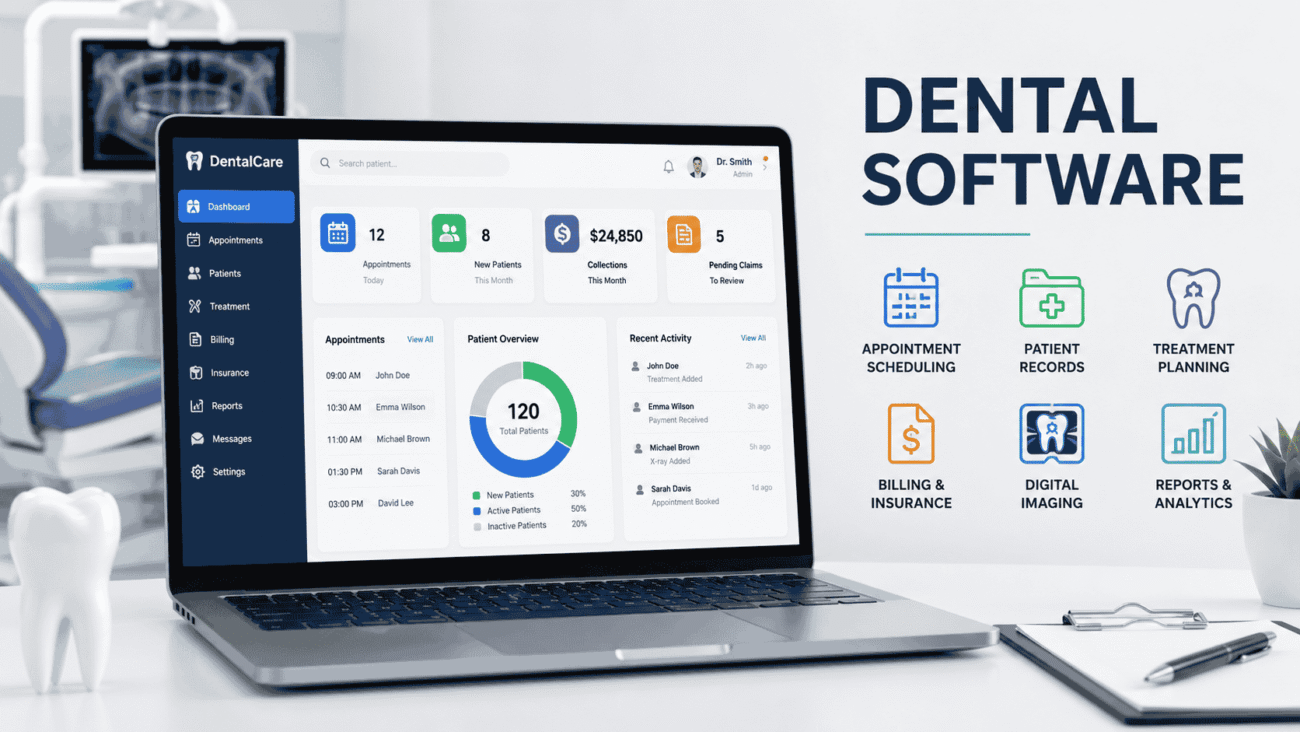
Running a successful dental practice today involves much more than providing excellent patient care. From scheduling appointments and managing treatment plans to handling insurance claims and digital imaging, every part of the workflow depends on accurate information and efficient communication. That’s where dental software becomes essential.
The right software can simplify daily operations, reduce administrative work, and create a better experience for both staff and patients. Whether you’re opening your first practice, upgrading an older system, or comparing modern cloud-based solutions like Archy dental software and Open Dental software, choosing the right platform can have a lasting impact on your business.
This guide explains what dental software does, the features that matter most, how different dental software programs compare, and what to consider before making a decision.
What Is Dental Software?
Dental software is a digital platform designed to help dental practices manage clinical, administrative, and financial tasks from one place. Instead of relying on paper charts or multiple disconnected systems, practices can organize patient records, appointments, billing, imaging, and communication through a single interface.
Most modern dental software programs include tools for both front-office and clinical teams. Receptionists can schedule appointments and verify insurance, while dentists and hygienists can access treatment histories, X-rays, and clinical notes without switching between different applications.
Depending on the provider, software may be installed locally on office computers or accessed through a secure cloud-based system.
Why Dental Practices Are Moving to Digital Systems
Patients expect convenience, and dental offices need efficient workflows to keep up with growing demands.
Paper records, handwritten notes, and manual billing processes often slow operations and increase the chance of errors. Digital software helps organize information while making it easier for staff to work together.
Some of the biggest benefits include:
- Faster appointment scheduling
- Easy access to patient records
- Improved billing accuracy
- Better communication between team members
- Digital treatment planning
- Secure document storage
- Automated appointment reminders
These improvements don’t just save time—they also create a smoother patient experience from check-in to follow-up care.
How Dental Software Works
Most dental software acts as the central hub for a practice.
When a new patient schedules an appointment, their information is entered into the system. As treatment progresses, every visit, X-ray, prescription, payment, and insurance claim becomes part of the patient’s digital record.
Instead of searching through filing cabinets or switching between different applications, staff members can quickly access the information they need.
Many cloud-based systems also allow authorized users to access records securely from different locations, making remote management easier for practice owners with multiple offices.
Core Features Every Dental Software Should Include
Not every platform offers the same tools. Some focus on practice management, while others provide complete clinical solutions.
Before comparing products, it’s important to understand which features genuinely improve daily operations.
Appointment Scheduling
Scheduling is often the first interaction patients have with your office.
Good scheduling software should allow staff to:
- Book appointments quickly
- Prevent double bookings
- Manage cancellations
- Send automatic reminders
- View multiple provider calendars
An organized scheduling system helps reduce missed appointments and keeps the day running smoothly.
Electronic Patient Records
Digital patient charts replace traditional paper files.
A complete electronic record typically includes:
- Medical history
- Dental history
- Treatment notes
- Digital X-rays
- Prescriptions
- Clinical photographs
- Consent forms
Having everything in one location improves both efficiency and patient care.
Billing and Insurance Management
Insurance processing is one of the most time-consuming administrative tasks in many dental offices.
Modern dental software programs help simplify billing by:
- Creating invoices
- Tracking payments
- Managing insurance claims
- Recording outstanding balances
- Generating financial reports
Although every insurance provider has different requirements, automation can significantly reduce repetitive data entry.
Imaging Integration
Digital imaging has become a standard part of modern dentistry.
Many software platforms integrate directly with:
- Digital X-rays
- Intraoral cameras
- Panoramic imaging
- CBCT systems
This allows dentists to review images alongside patient records without opening separate applications.
Patient Communication Tools
Communication extends well beyond appointment reminders.
Many systems now support:
- Online appointment requests
- Text message reminders
- Email confirmations
- Digital forms
- Post-treatment follow-ups
These features improve convenience while reducing front-desk workload.
Cloud-Based vs Traditional Dental Software
One of the biggest decisions involves choosing between cloud-based software and locally installed systems.
Both approaches have advantages depending on the needs of the practice.
| Feature | Cloud-Based Software | Traditional Software |
|---|---|---|
| Access | Available from multiple locations | Usually limited to office computers |
| Updates | Automatic | Manual installation |
| Initial Cost | Often subscription-based | Higher upfront investment |
| Data Backup | Usually managed by provider | Practice manages backups |
| Internet Requirement | Yes | Often works offline |
Cloud platforms have become increasingly popular because they simplify updates and remote access. However, some practices still prefer traditional systems for greater local control.
Open Dental Software Explained
Among today’s well-known practice management solutions, Open Dental software has built a strong reputation for flexibility and customization.
Unlike some systems that lock users into fixed workflows, Open Dental allows practices to adjust many settings based on their individual needs.
Its features commonly include:
- Patient scheduling
- Clinical charting
- Digital imaging integration
- Insurance processing
- Financial reporting
- Appointment reminders
- Treatment planning
Many independent practices appreciate its extensive customization options and active user community.
However, because of its flexibility, new users may need additional time to learn the system compared with more simplified platforms.
Understanding Archy Dental Software
Archy dental software represents a newer generation of cloud-based practice management systems.
Instead of combining older desktop technology with modern features, Archy was built around cloud accessibility from the beginning.
Its focus is on simplifying everyday workflows through an intuitive interface and integrated tools.
Common features include:
- Online scheduling
- Digital patient forms
- Insurance verification
- Automated reminders
- Clinical charting
- Digital imaging support
- Reporting dashboards
Because the platform is cloud-based, updates are typically handled automatically, reducing IT maintenance for practices.
For offices looking to modernize without managing local servers, this type of system can be an attractive option.
Comparing Popular Dental Software Programs
Every dental practice has unique priorities.
A solo practice may value affordability and simplicity, while a multi-location clinic may need advanced reporting and centralized management.
The following comparison highlights general strengths rather than declaring a single “best” solution.
| Software | Best For | Main Strength | Possible Limitation |
|---|---|---|---|
| Open Dental | Independent practices | Highly customizable | Learning curve for new users |
| Archy | Cloud-first practices | Modern interface and automation | Internet connection required |
| Dentrix | Large established practices | Comprehensive feature set | Can require more training |
| Eaglesoft | Clinical workflow | Strong imaging integration | Desktop-focused environment |
| Curve Dental | Multi-location cloud practices | Remote accessibility | Subscription pricing |
Rather than choosing based on popularity, evaluate how each platform fits your team’s daily workflow, budget, and long-term growth plans.
How Different Team Members Benefit from Dental Software
One of the biggest advantages of modern dental software is that every department benefits in different ways.
Front Desk Staff
Reception teams can:
- Schedule appointments faster
- Verify insurance information
- Send reminders automatically
- Process payments efficiently
- Reduce paperwork
This creates a smoother experience from the moment patients contact the office.
Dentists
Clinical teams gain quick access to complete patient histories, treatment plans, digital images, and progress notes.
This allows dentists to spend more time focusing on patient care instead of searching for information.
Dental Hygienists
Hygienists can document cleanings, periodontal measurements, treatment recommendations, and patient education directly within the patient’s record.
This improves communication with dentists and simplifies future visits.
Practice Owners
Owners benefit from detailed reporting tools that provide insights into scheduling, collections, production, treatment acceptance, and overall business performance.
Having reliable data makes planning future growth much easier.
Advanced Features That Can Make a Big Difference
Basic scheduling and patient records are important, but many modern dental software programs include advanced tools that can improve efficiency and enhance the patient experience.
Before investing in a platform, consider whether these features will benefit your practice.
Online Appointment Booking
Many patients prefer booking appointments without making a phone call.
Online scheduling lets patients choose available time slots through a secure portal, even outside business hours. Staff members spend less time answering routine scheduling calls while patients enjoy greater convenience.
Digital Patient Forms
Paper forms often slow down the check-in process.
Digital forms allow patients to complete medical history, consent documents, and insurance details before arriving at the office. The information is automatically added to the patient’s record, reducing manual data entry.
Automated Appointment Reminders
Missed appointments affect both productivity and revenue.
Automated reminders sent by text message, email, or phone call help patients remember upcoming visits while reducing the workload for front-desk staff.
Many systems also allow patients to confirm or request changes directly from the reminder.
Reporting and Analytics
Good business decisions rely on accurate information.
Most modern software includes reporting tools that track areas such as:
- Appointment trends
- Revenue
- Insurance claims
- Outstanding balances
- Treatment acceptance
- Provider productivity
Practice owners can use these reports to identify opportunities for improvement rather than relying on guesswork.
Secure Data Backup
Protecting patient information is a critical responsibility.
Whether the software is cloud-based or installed locally, regular backups and secure storage help reduce the risk of losing important records due to hardware failures or unexpected events.
How to Choose the Right Dental Software
With so many options available, choosing a platform can feel overwhelming. Instead of focusing on marketing claims, evaluate software based on how well it supports your daily workflow.
Consider Your Practice Size
A solo dentist usually has different needs than a practice with multiple providers and locations.
Smaller offices often prioritize affordability and simplicity, while larger organizations may require advanced reporting, user permissions, and centralized management.
Think About Future Growth
Changing software every few years can be expensive and disruptive.
Choose a solution that can continue supporting your practice as patient numbers, staff, and services grow.
Evaluate Customer Support
Even reliable software occasionally requires assistance.
Before making a decision, research the provider’s customer support, training resources, and onboarding process. Quick, knowledgeable support can save valuable time when unexpected issues arise.
Review Integration Options
Dental offices often use several digital tools, including imaging systems, payment processors, and communication platforms.
Software that integrates smoothly with existing technology reduces duplicate work and improves efficiency.
Request a Demonstration
Never rely solely on product descriptions.
Most providers offer demonstrations or trial periods. Involve both clinical and administrative staff during the evaluation process since they’ll use the software every day.
Common Mistakes to Avoid
Purchasing dental software is a significant investment, and rushing the decision can create unnecessary challenges.
One common mistake is selecting software based only on price. While cost matters, the cheapest option may lack features your practice depends on.
Another mistake is overlooking staff training. Even excellent software won’t improve efficiency if employees don’t understand how to use it properly.
Some practices also underestimate the importance of data migration. Transferring patient records from an older system requires careful planning to avoid missing information.
Ignoring cybersecurity is another costly error. Practices should use strong passwords, appropriate user permissions, and regular backups to help protect patient data.
Finally, avoid making a decision without input from your team. Receptionists, hygienists, assistants, and dentists often have different workflow needs that should be considered.
Pros and Cons of Dental Software
Every platform has strengths and limitations. Understanding both sides helps set realistic expectations.
| Pros | Cons |
|---|---|
| Improves scheduling efficiency | Initial setup can take time |
| Reduces paperwork | Staff training is required |
| Organizes patient records | Subscription costs may increase over time |
| Simplifies billing and insurance | Some systems depend on internet access |
| Enhances patient communication | Data migration can be complex |
| Supports business reporting | Advanced features may have a learning curve |
Expert Tips Before Investing
After working with different practice management systems, one lesson becomes clear: software should fit your workflow, not force you to change everything overnight.
Start by identifying the tasks that consume the most staff time. Whether it’s appointment scheduling, insurance processing, or patient communication, those pain points should guide your software selection.
Don’t overlook training. Setting aside dedicated time for onboarding helps employees become comfortable with the new system and reduces mistakes during the transition.
Review software updates regularly. Providers often introduce new features that can improve efficiency, but they’re only valuable if your team knows they’re available.
Finally, involve your staff in the decision-making process. Employees who use the software daily often notice practical advantages and challenges that may not appear during a product demonstration.
Is Cloud-Based Dental Software the Future?
Many practices are moving toward cloud-based platforms because they offer greater flexibility and reduce the need for maintaining local servers.
Cloud systems make it easier to access schedules, patient records, and reports from different locations while keeping software up to date automatically.
However, that doesn’t mean traditional desktop software has become obsolete.
Practices with existing infrastructure, specific compliance requirements, or limited internet reliability may still find locally installed systems to be the better choice.
The right solution depends on your practice’s goals, workflow, and technical resources rather than current trends.
FAQs
What is dental software used for?
Dental software helps practices manage appointments, patient records, treatment plans, billing, insurance claims, imaging, communication, and business reporting from a centralized system.
Is Open Dental software suitable for small practices?
Yes. Open Dental software is widely used by independent practices because it offers extensive customization and a comprehensive set of practice management features. The best choice depends on your workflow and technical preferences.
What makes Archy dental software different?
Archy dental software is built as a cloud-based platform with an emphasis on automation, modern workflows, and remote accessibility. Practices looking for a cloud-first solution often consider it alongside other leading providers.
Can dental software improve patient experience?
Yes. Features such as online scheduling, automated reminders, digital forms, and faster check-in processes make appointments more convenient while improving communication between patients and the practice.
How should I compare different dental software programs?
Look beyond pricing. Compare scheduling tools, clinical features, imaging integration, reporting, customer support, security, ease of use, scalability, and compatibility with your existing systems before making a decision.
Conclusion
Choosing the right dental software is about more than replacing paper records. It affects how efficiently your team works, how patients experience your practice, and how easily you can manage daily operations.
Solutions such as Open Dental software and Archy dental software each offer unique advantages, while other established dental software programs continue to meet the needs of practices of every size. The best option depends on your workflow, budget, growth plans, and the level of flexibility you require.
Take time to evaluate your priorities, involve your team in the selection process, and request demonstrations before making a commitment. A well-chosen system can improve efficiency, strengthen patient relationships, and support the long-term success of your practice.
